
Email Authentication Explained: SPF, DKIM, DMARC, MTA-STS and BIMI
How the five email authentication standards work together to stop spoofing, protect your brand and get your messages into the inbox — with the exact DNS records to publish.
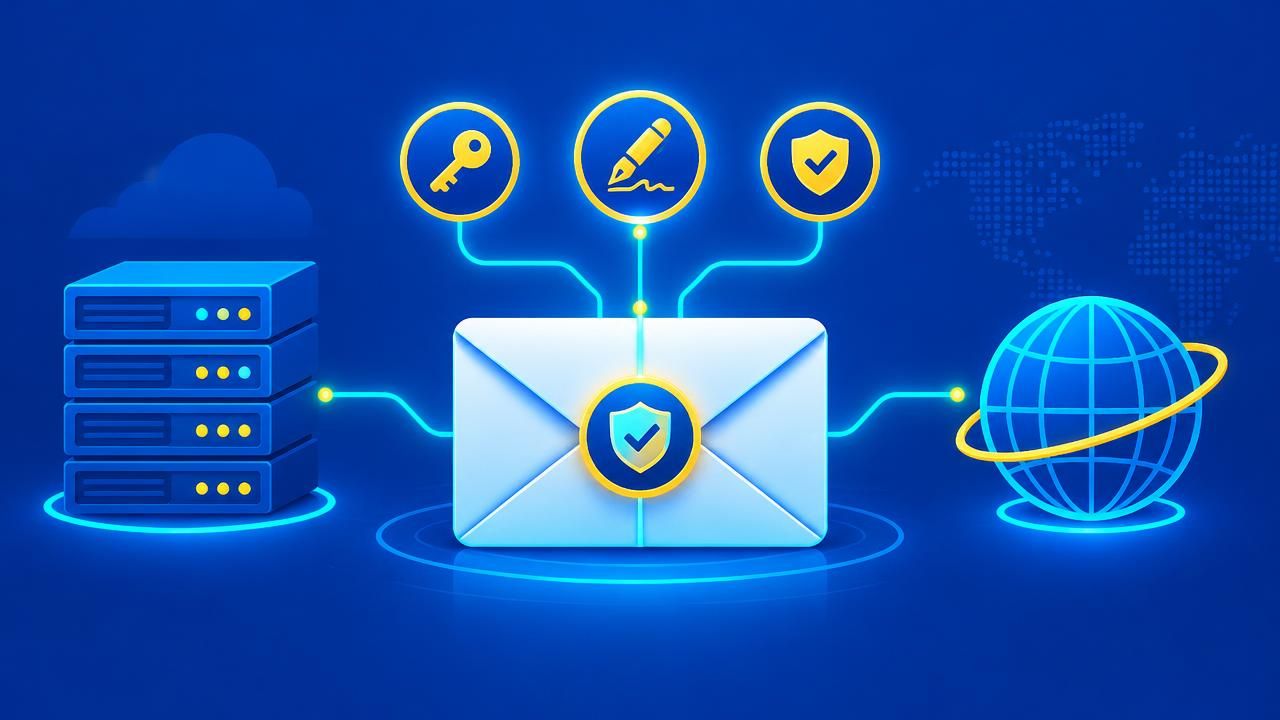
Email was designed in the 1980s without any way to prove who sent a message. Anyone can write "From: [email protected]". Email authentication fixes this with a set of DNS-based standards. Together they tell receiving servers which messages are genuinely yours — and what to do with the fakes.
If you are just starting, our earlier article on deliverability basics is a good primer. This guide goes further.
SPF: who may send for your domain
Sender Policy Framework (RFC 7208) is a TXT record listing the servers allowed to send mail for your domain:
yourcompany.co.ke. TXT "v=spf1 include:_spf.google.com include:spf.yourhost.co.ke -all"- Publish only one SPF record per domain — two records break SPF entirely.
- SPF allows a maximum of 10 DNS lookups. Too many "include:" entries cause a permanent error.
- End with
~all(soft fail) while testing and-all(hard fail) when confident.
DKIM: a tamper-proof signature
DomainKeys Identified Mail (RFC 6376) adds a cryptographic signature to every message. The public key lives in DNS at a "selector" such as default._domainkey.yourcompany.co.ke. If anyone alters the message in transit, the signature fails. Use 2048-bit keys and rotate them periodically.
DMARC: the policy that ties it together
DMARC (RFC 7489) checks that the visible From domain aligns with the domain that passed SPF or DKIM, then tells receivers what to do when it doesn't:
_dmarc.yourcompany.co.ke. TXT "v=DMARC1; p=quarantine; rua=mailto:[email protected]; adkim=s; aspf=s"The rua address receives daily aggregate reports showing every server sending as your domain — often revealing forgotten systems or active spoofing. Moving from p=none to p=reject safely is covered in our DMARC rollout guide. Create a record with the DMARC generator.
MTA-STS and TLS-RPT: encryption you can enforce
Servers usually encrypt mail with STARTTLS, but an attacker in the middle can strip it. MTA-STS (RFC 8461) publishes a policy telling senders your mail servers must use valid TLS. TLS-RPT sends reports when delivery encryption fails.
BIMI: your logo in the inbox
BIMI lets supporting mailbox providers show your brand logo next to your messages. It requires DMARC at p=quarantine or p=reject, and Gmail additionally requires a Verified Mark Certificate (VMC) or Common Mark Certificate. It is a visible reward for doing authentication properly.
Why it matters more every year
Since February 2024, Google's sender guidelines require SPF or DKIM for everyone and DMARC for bulk senders, and Yahoo introduced matching rules. Microsoft followed with similar requirements for high-volume senders to Outlook.com in 2025. Unauthenticated mail is increasingly rejected outright.
Common mistakes we fix for customers
- Two SPF records after switching email providers.
- Forgetting the CRM, accounting system or website contact form that also sends email.
- DKIM enabled at the provider but the DNS record never published.
- DMARC reports sent to a mailbox nobody reads.
Check your domain now
Run our SPF checker, DKIM checker and DMARC checker, or use the email header analyser on a message you sent. Authentication proves your mail is real; pair it with spam filtering to stop the fakes coming in. Need a hand? Our team sets it all up for Enet email and DNS customers.
Share this article
Was this article helpful?
Your vote helps us write better guides.