
M-PESA STK Push Explained: How Online Businesses Collect Payments Seamlessly
How Lipa Na M-PESA Online (STK Push) works, Paybill vs Till, what customers see, and why it converts better than manual paybill instructions.
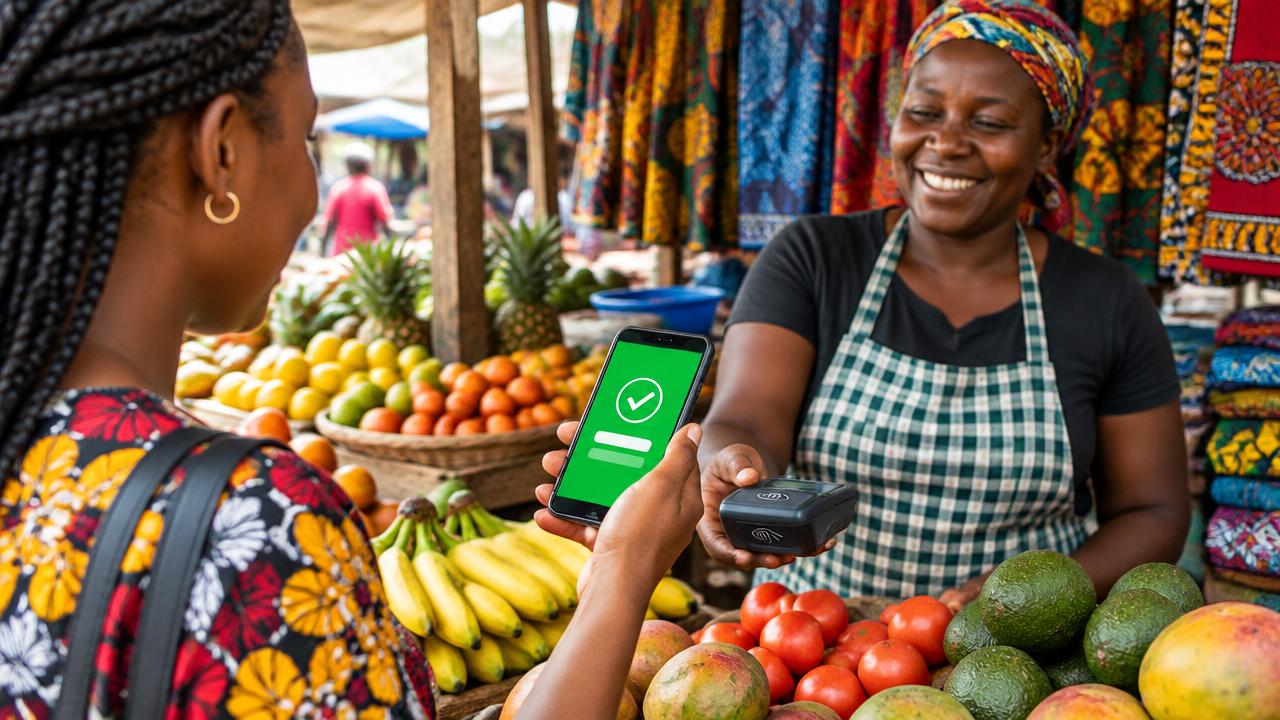
Asking customers to "go to M-PESA, select Lipa na M-PESA, enter Paybill number, enter account number…" loses sales. Every step is a chance to make a mistake or give up. STK Push removes those steps: the payment request appears on the customer's phone, and they simply enter their PIN.
What is STK Push?
STK Push — officially Lipa Na M-PESA Online — is a Safaricom API that lets a business system send a payment prompt directly to a customer's phone. It is available through Safaricom's Daraja developer platform.
How it works, step by step
- The customer enters their phone number at checkout on your website, app or POS.
- Your server sends a payment request to M-PESA with the amount and reference.
- A prompt pops up on the customer's phone showing your business name and the amount.
- The customer enters their M-PESA PIN to approve.
- M-PESA sends the result to your server's secure callback URL.
- Your system confirms the order, issues a receipt and — if integrated — an eTIMS invoice.
Paybill or Till number?
- Paybill — supports an account reference, ideal for invoices, school fees, rent, loans and subscriptions where you need to know what is being paid.
- Buy Goods (Till) — simpler, suited to retail and once-off purchases.
Both can be used with STK Push. Your choice affects how you reconcile payments — see automating M-PESA reconciliation.
Why STK Push converts better
- Fewer steps — no numbers to copy, no account references to mistype.
- Fewer errors — the correct amount and reference are pre-filled.
- Instant confirmation — orders are confirmed automatically, without a staff member checking statements.
- Trust — customers see your registered business name before paying.
Where businesses use STK Push
- Online shops on WooCommerce, PrestaShop and OpenCart.
- Hosting and subscription billing through WHMCS.
- Loan repayments and chama contributions in loan and chama software.
- School fees in school management systems.
- Rent collection in property management.
- Counter sales in a POS.
What you need to get started
- A registered M-PESA Paybill or Till number for your business.
- A Daraja account and production credentials (go-live approval).
- A website or system on secure hosting with SSL, so callbacks can reach it.
- An integration developer — or a ready-made plugin.
Don't forget security
Callbacks must be verified on the server, amounts must never be trusted from the browser, and every page handling payments must use HTTPS. Our secure checkout guide explains why.
Ready to accept M-PESA online? Visit M-PESA integration or read the developer-focused Daraja API checklist.
Share this article
Was this article helpful?
Your vote helps us write better guides.