
USSD Services & Menu Development
Self-service on any phone with a simple *code#.
Let customers check balances, register, apply for loans, vote, pay or answer surveys by dialling a USSD code — no internet or smartphone required. We provide the code, design the menu and connect it to your system and M-Pesa.
- No smartphone needed
- Any phone
- Works without internet
- No data
- Kenyan networks
- 3
- Payments in the menu
- M-PESA
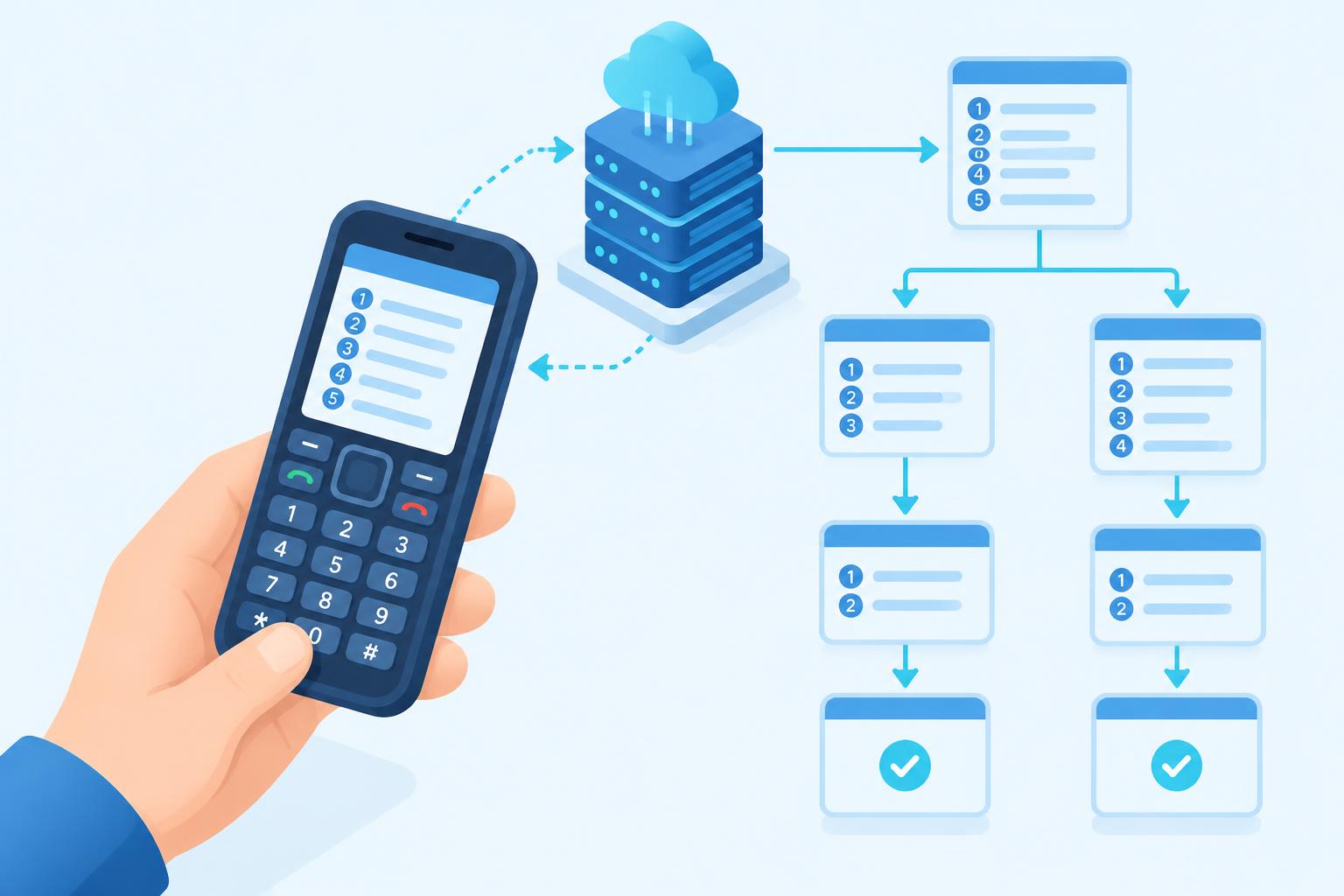
What is USSD and why use it?
USSD is the menu you see when you dial codes like *144#. It works in real time on every GSM phone, which makes it ideal for reaching rural customers and feature-phone users.
Enet builds and hosts the full USSD application: menu flow, business logic, database lookups, M-Pesa STK Push and SMS confirmations — then gives you reports on every session.
Key features
Shared Codes
Affordable extensions like *XXX*YY# on a shared code.
Dedicated Codes
Your own *XXX# code for maximum brand recall.
Menu Design
Multi-level menus with validation and back navigation.
M-Pesa Integration
Trigger STK Push payments from the menu.
Live Data Lookups
Balances, statements and status from your system.
SMS Follow-ups
Send receipts and confirmations after each session.
Session Reports
Usage, drop-offs and completions per menu step.
Callback API
Run your own logic via HTTPS callbacks.
How it works
- 1
Plan the journey
We map the menu with your team.
- 2
Choose a code
Shared extension or dedicated code.
- 3
Build & integrate
Connect to your database and M-Pesa.
- 4
Test
Run through every path on real phones.
- 5
Launch
Go live across supported networks.
- 6
Optimise
Use session reports to improve flows.
Screenshots
A look inside USSD Services. Live screenshots coming soon — ask us for a demo.
Screenshot placeholder
Screenshot placeholder
Screenshot placeholder
Screenshot placeholder
Screenshot placeholder
Screenshot placeholder
A full service in a few key presses
SACCOs & microfinance
Balance checks, loan applications and mini statements.
Agriculture
Farmer registration, input orders and delivery records.
Surveys & research
Reach respondents in rural areas on basic phones.
Utilities
Buy tokens, check bills and report outages.
Insurance
Buy micro-policies and follow up on claims.
Chamas & groups
Contributions, statements and meeting notices.
USSD, SMS or app — what fits?
| Type | Best for | Example | Tip |
|---|---|---|---|
| USSD | Interactive menus, balances, registration and payments on any phone | *384*12# | Best for quick self-service with no internet. |
| SMS | One-way notices and confirmations that customers can keep | Your balance is KES 4,250 | Send an SMS receipt at the end of a USSD session. |
| Mobile app | Rich experiences for smartphone users with data | Download from app stores | Pair with USSD so feature-phone users aren't left out. |
Get better results, stay compliant
- Keep each screen under about 160 characters.
- Put the most-used option first.
- Limit menus to three or four levels deep.
- Always offer "0. Back" and "00. Main menu".
- Validate input and explain errors in plain words.
- Send an SMS receipt at the end of important actions.
- Design for timeouts — sessions end after a short idle time.
- Test on every major network before launch.
Your logic, our gateway
app.post("/ussd", (req, res) => {
  const { sessionId, phoneNumber, text } = req.body;
  if (text === "") return res.send("CON Welcome to Acme\n1. Balance\n2. Pay");
  if (text === "1") return res.send("END Your balance is KES 4,250");
  if (text === "2") return res.send("CON Enter amount:");
  return res.send("END Thank you. You'll get an M-PESA prompt.");
});
Coverage
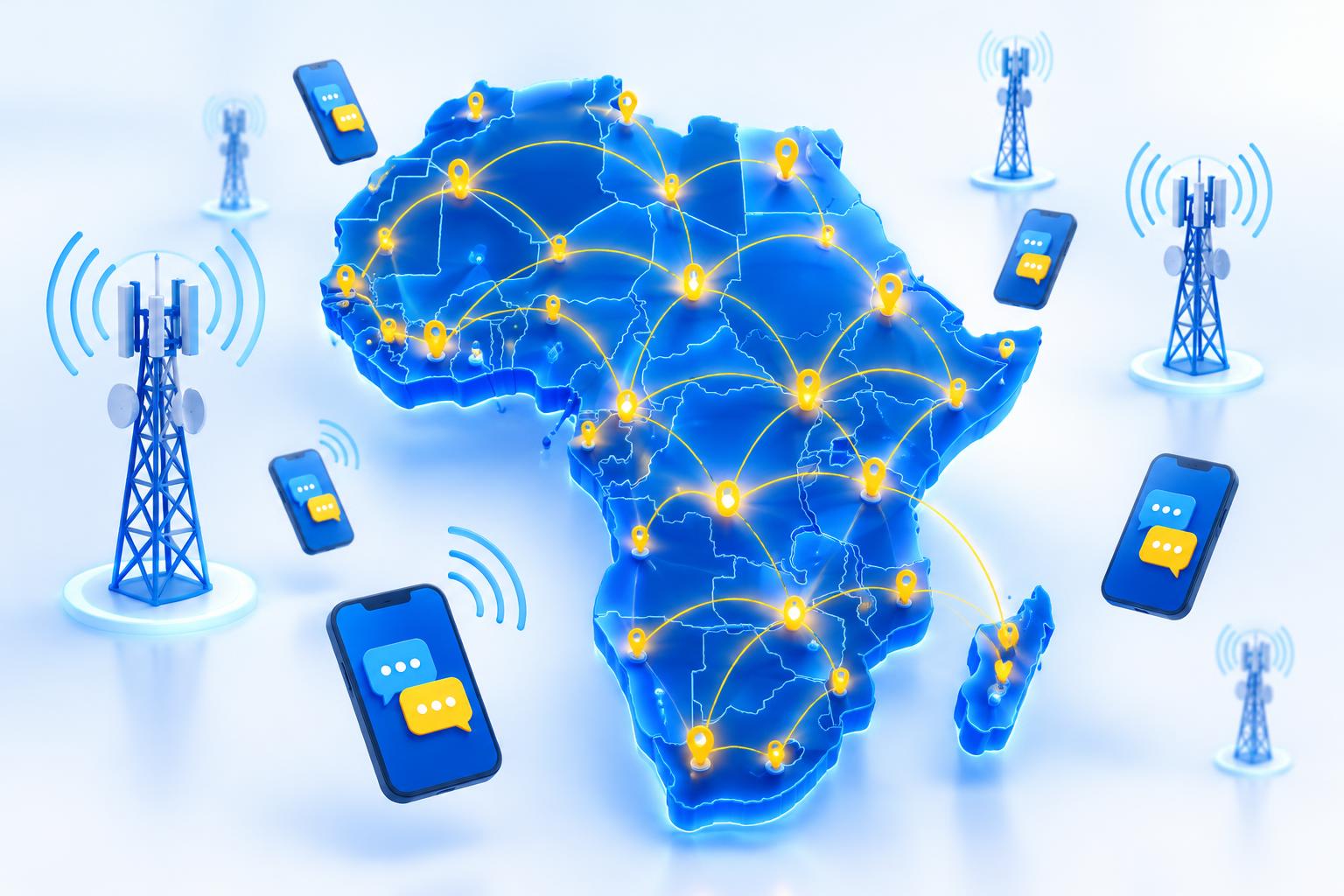
Reach customers across Africa
See which sender types each country supports, what you need to register, and when you're allowed to send.
Open coverage lookupWho should use it?
SACCOs & lenders
Balances and loan applications.
Agriculture
Farmer registration and deliveries.
Surveys & polls
Reach respondents on any phone.
Utilities
Token purchase and bill checks.
Insurance
Micro-policies and claims status.
Chamas
Member contributions and statements.
Why choose Enet?
Direct carrier routes
Safaricom, Airtel and Telkom delivery with fast, reliable throughput.
Sender ID registration
We handle branded sender ID and short code applications for you.
Simple REST API
Send from any system with clear docs, webhooks and code samples.
Real-time reports
Delivery reports per message, campaign and contact group.
Plugins ready
WHMCS, WooCommerce, PrestaShop and OpenCart modules available.
Local support
A Nairobi team reachable by phone, WhatsApp and email.
Requirements
- Business registration documents.
- A clear description of the menu use case.
- API access to your system (optional).
- An M-Pesa Paybill for payments (optional).
Dedicated code approval involves the networks and the regulator; we guide you through it.
Frequently asked questions
01Shared or dedicated code — which do I need?
02Do customers pay to use USSD?
03Can USSD collect payments?
04Is there a session time limit?
Launch your USSD service
Tell us your use case and we'll design the menu — [email protected].