
Incoming vs Outgoing Filtering vs Email Archiving: Choosing SpamExperts Protection
What each SpamExperts product does, who needs it, how setup works with cPanel, Microsoft 365 or Google Workspace, and what it costs per domain in Kenya.
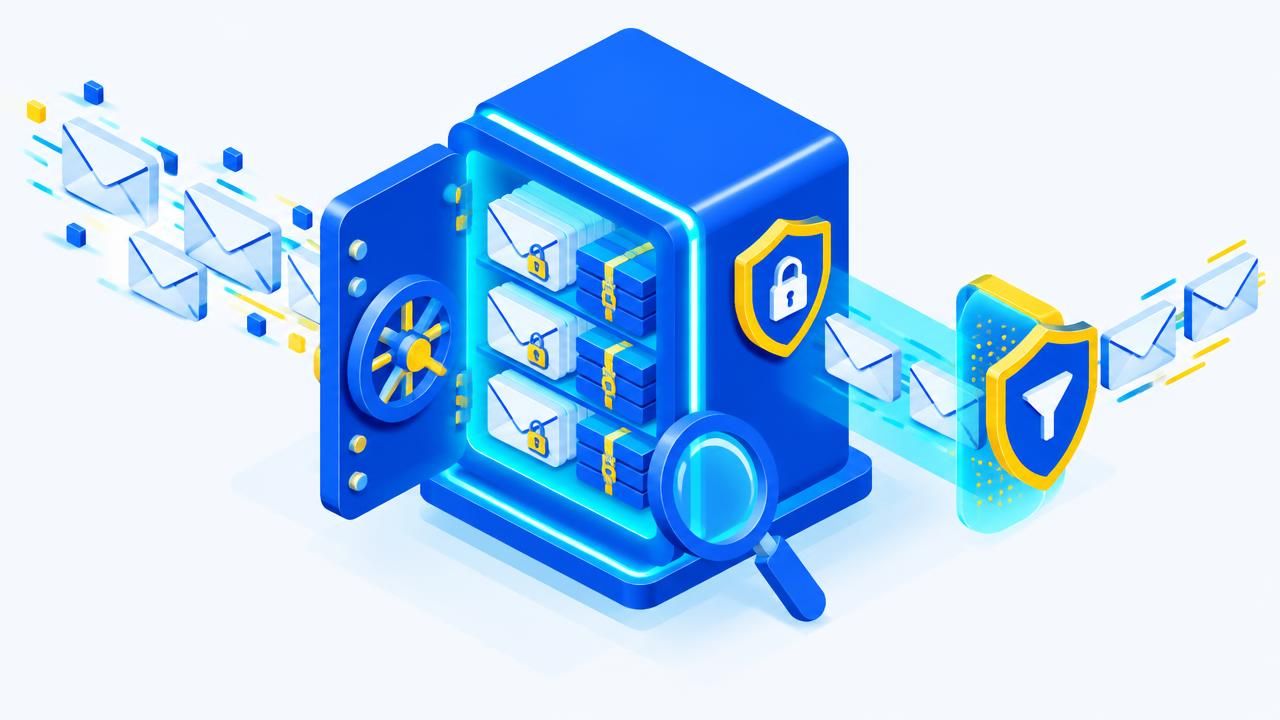
Enet offers three email security products powered by the SpamExperts filtering cloud. They solve different problems, and many businesses combine them. Here is how to choose.
Incoming Email Filtering — protect your inbox
Incoming filtering checks every inbound message in the cloud and removes spam, phishing, viruses and malware at close to 100% accuracy before it reaches your mail server. Suspected spam waits in a quarantine you control through the SpamPanel or daily reports.
A valuable extra: if your mail server goes down, incoming email is queued and can still be read and answered from the web interface — inbound continuity at no extra cost.
Best for: any business receiving spam or phishing, especially finance, procurement and HR teams.
Outgoing Email Filtering — protect your reputation
Outgoing filtering scans the mail your users send. If a mailbox is hacked or a laptop infected, spam and viruses are stopped before they leave, so your IP address and domain stay off blacklists. Reports identify compromised accounts so you can lock them down quickly.
Best for: businesses that have been blacklisted before, companies with their own mail servers, and web hosts and resellers responsible for many customers.
Email Archiving — protect your records
Email Archiving keeps a compressed, encrypted, tamper-proof copy of all inbound and outbound email. Find and restore any message in seconds, even if a user deleted it, and respond quickly to audits, disputes or eDiscovery requests. It includes both incoming and outgoing filtering and 10 GB of compressed storage, with extra 10 GB licences available.
Best for: regulated sectors such as SACCOs, insurance, health and education, legal and finance teams, and organisations with frequent staff turnover.
Pricing at a glance (per domain)
| Option | Price |
|---|---|
| Incoming or Outgoing filtering | KES 269 / month |
| Incoming + Outgoing filtering | KES 538 / month |
| One filter + archiving | KES 450 / month |
| Incoming + Outgoing + archiving | KES 942 / month |
| Email Archiving (filters included) | KES 15,212 / 3 years |
Pricing is per domain, so every mailbox on the domain is covered. Try combinations with the price builder.
How setup works
- Order online and your domain is deployed to the filter automatically.
- Your MX records are pointed at the filtering cloud — done for you if your DNS is with Enet.
- For outgoing filtering, your mail server relays outbound mail through the filter.
- Protection starts within minutes. No software to install and no training needed.
It works with Enet cPanel hosting, Microsoft 365, Google Workspace, Zoho or your own server. Check where your mail goes today with the MX lookup.
Which should you choose?
- Just tired of spam and phishing? Start with Incoming.
- Had a blacklisting incident? Add Outgoing.
- Need records for audits or legal reasons? Choose Email Archiving — it includes both filters.
Still unsure? Ask our team — we'll look at your current mail flow and recommend the right protection. Learn more about the technology in how email spam filtering works.
Share this article
Was this article helpful?
Your vote helps us write better guides.