
Two-Factor Authentication and Data Protection: Securing Business Accounts in Kenya
Why passwords alone are no longer enough, how 2FA and passkeys work, and how strong access control supports Data Protection Act compliance.
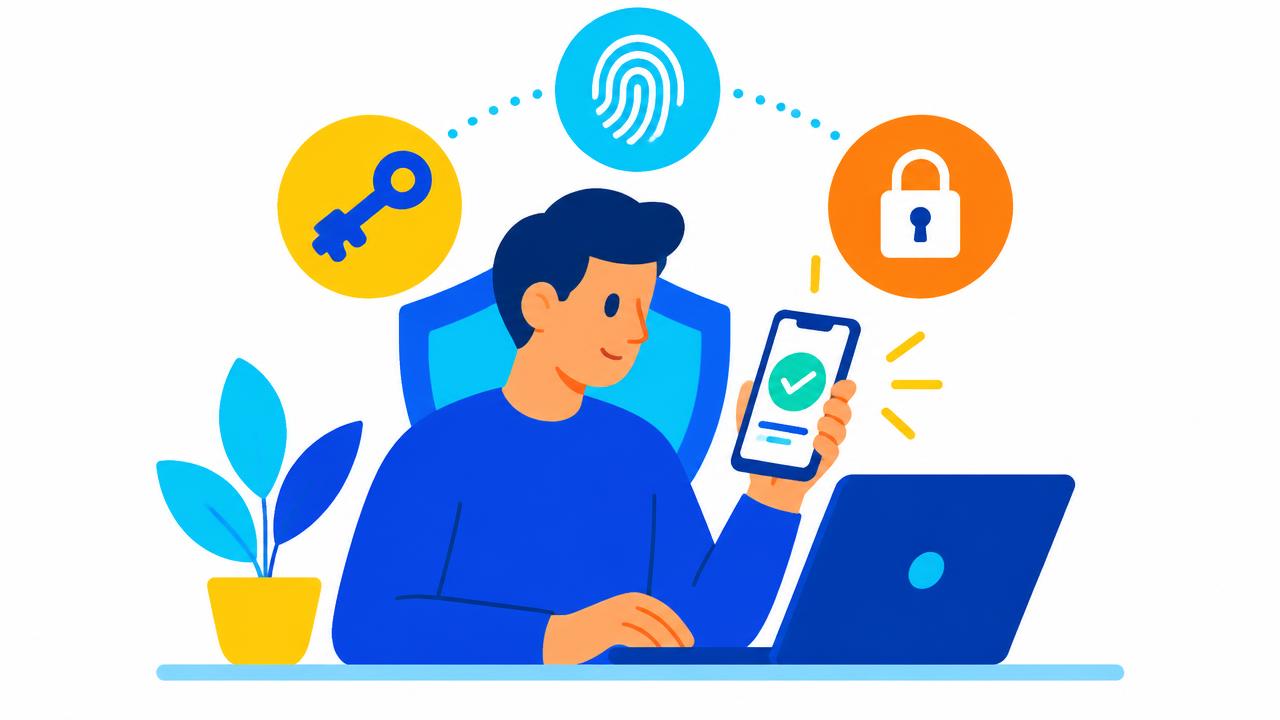
Stolen passwords are behind a huge share of account takeovers. Staff reuse passwords, phishing emails look more convincing every year, and leaked password lists circulate freely. Two-factor authentication (2FA) stops most of these attacks — even when the password is already known to the attacker.
How 2FA works
2FA asks for two different kinds of proof:
- Something you know — a password or PIN.
- Something you have — your phone, an authenticator app or a security key.
- Something you are — a fingerprint or face scan on your device.
An attacker in another country who has your password still cannot log in without your phone or key.
Types of second factor, from good to best
- SMS codes — far better than nothing, but vulnerable to SIM-swap fraud.
- Authenticator apps (time-based one-time codes) — free and stronger than SMS.
- Push approvals — convenient; train staff never to approve a request they did not start.
- Passkeys and hardware security keys — resistant to phishing because they only work on the genuine website. Learn more at the FIDO Alliance.
Where to turn on 2FA first
- Email — whoever controls your email can reset every other password. Google Workspace, Microsoft 365 and Zoho Mail all support strong 2FA.
- Domain and hosting accounts — protect your client area, cPanel and registrar login.
- Website administrators — WordPress, WooCommerce and custom admin panels.
- Payment and banking portals — M-PESA business portals, bank platforms and payroll.
- Social media — a hijacked business page damages trust quickly.
Access control and the Data Protection Act
Kenya's Data Protection Act, 2019 requires data controllers and processors to put appropriate technical and organisational measures in place to protect personal data. Strong authentication, least-privilege access and audit logs are practical ways to demonstrate those measures. The Office of the Data Protection Commissioner (ODPC) publishes guidance and registration requirements. This article is general information, not legal advice — consult a qualified advisor for your obligations.
Building a strong access policy
- Require 2FA for every staff account that touches customer data or money.
- Use a password manager and unique passwords — our password generator helps.
- Give each person their own account; never share logins.
- Review who has access every quarter and remove leavers on their last day.
- Keep recovery codes in a secure, offline place.
- Train staff to spot phishing and fake login pages.
Developers: build 2FA into your systems
Custom business systems — loan platforms, school portals, POS back offices — should offer 2FA, session timeouts and activity logs from day one. Our software solutions are designed with these controls. See the OWASP MFA cheat sheet for implementation guidance.
Complete your protection with our website security checklist, or ask our team to help you secure your business accounts.
Share this article
Was this article helpful?
Your vote helps us write better guides.