
Set up Zoho Mail (including the free mailbox with your domain)
Verify your domain in Zoho, add the MX and SPF records and create users.
Updated 30 October 20262 min read4 views0 found this helpful
Zoho Mail is a good choice for small teams, and Enet includes one free Zoho mailbox when you register or transfer a qualifying domain — see free email hosting.
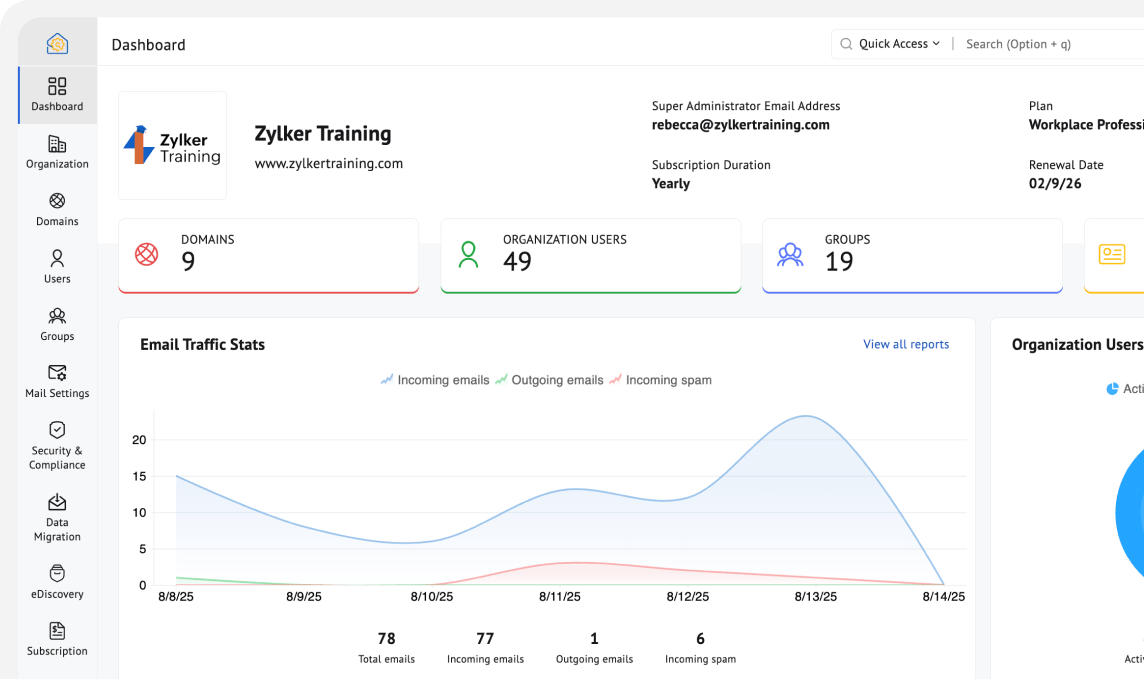
Steps
- Sign in to Zoho Mail Admin with the details we sent.
- Verify the domain with the TXT or CNAME record Zoho shows.
- Replace your MX records with the ones Zoho displays, usually:
| Priority | Value |
|---|---|
| 10 | mx.zoho.com |
| 20 | mx2.zoho.com |
| 50 | mx3.zoho.com |
- Add
include:zoho.comto your SPF record and enable DKIM in Mail Administration → Domains → Email Configuration. - Create your users and set their passwords.
#Zoho Mail#free email#MX
Was this article helpful?
Your vote helps us write better guides.