01
Order status alerts
Placed, paid, processing, shipped, completed and cancelled.

Keep customers updated by text at every order step.
Send automatic SMS when an order is placed, paid, packed, shipped and delivered — plus instant alerts to your team for new orders — with your own sender name.
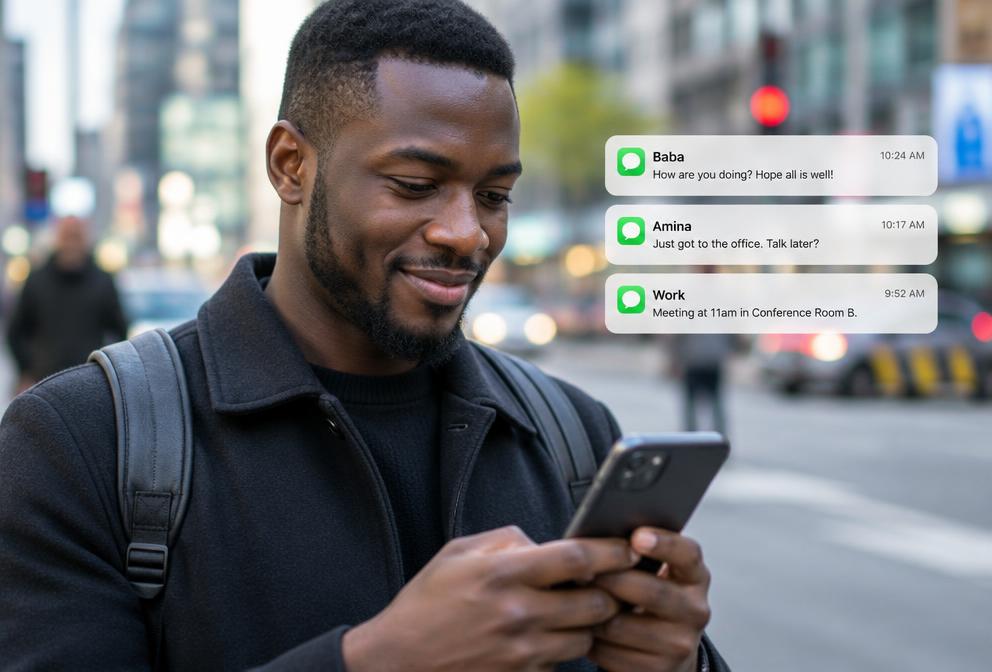


Customers want to know what's happening with their order. A short text at each stage builds trust and cuts down calls to your shop.
The plugin sends messages on WooCommerce status changes, with order number, total and tracking details, through Enet's SMS routes.
At a glance
Placed, paid, processing, shipped, completed and cancelled.
Your team gets a text for every new order.
Messages arrive from your shop's name.
Reliable delivery across African mobile networks.
Templates with order number, name and total.
See which messages reached customers.
Your platform version, hosting and the accounts to connect (Paybill, sender name or WhatsApp number).
We install the module, add your credentials securely and match it to your workflow.
Real test orders or invoices confirm every message, payment and status update works.
Switch to production, train your team and get ongoing updates and support.
Screenshot coming soon
Screenshot coming soon
Screenshot coming soon
Screenshot coming soon
Screenshot coming soon
Screenshot coming soon
Sell on WooCommerce and confirm payments without checking your phone.
Take orders online and keep customers updated until delivery.
Large catalogues, repeat customers and many orders a day.
Our own hosting business runs on these modules, so they're tested on real invoices, orders and customers every day.
We install, connect your accounts, test in a sandbox and hand over a working setup — not just a download link.
An expert team that answers on phone, WhatsApp and tickets, with updates when your platform or the provider's API changes.
M-PESA, KRA eTIMS, TRA VFD, banks, SMS and WhatsApp — connected to your website, shop, WHMCS or ERP by one experienced local team.
Plan your integration
Share the system you use and what you want to connect.