
Microsoft 365 Credential Harvesting: How Fake Sign-in Pages Steal Business Email
Fake Microsoft sign-in pages are the most common way business mailboxes get taken over. Learn how credential harvesting works — including attacks that get past basic MFA — and how to protect your team.
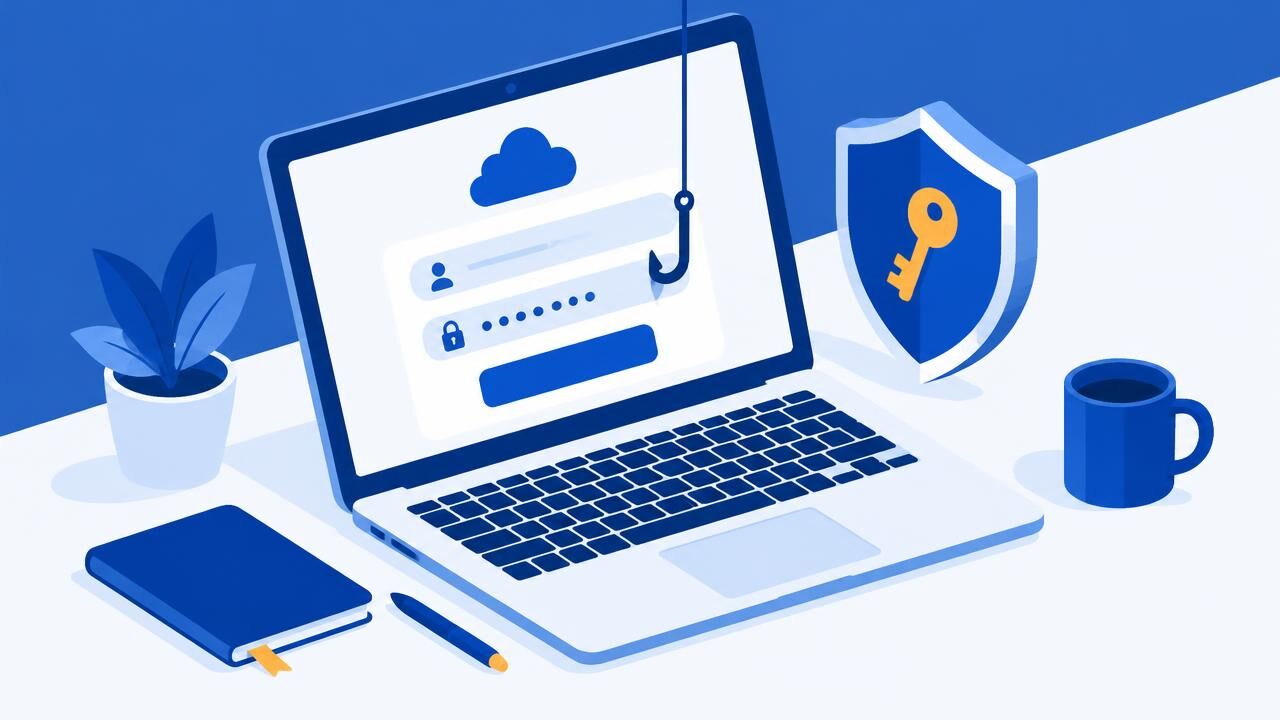
A Microsoft 365 mailbox is a master key: email, OneDrive files, Teams chats, SharePoint documents and the password-reset link for many other services. That is why credential harvesting — tricking people into typing their Microsoft password into a fake page — is one of the most common attacks on businesses of every size.
How the attack usually starts
- "A document has been shared with you." A fake OneDrive or SharePoint notice with a "View document" button.
- "Your password expires today." A message that appears to come from IT or "Microsoft 365 Admin".
- "You have 6 undelivered messages." A fake quarantine or mailbox-full warning.
- Voicemail or fax notices with an HTML attachment that opens a sign-in page stored on your own computer.
- QR codes in a PDF asking you to "re-verify MFA" — scanning moves the attack to your phone, away from company protection.
Why the fake page looks perfect
Phishing kits copy Microsoft's real sign-in page, show your company logo and even pre-fill your email address. The web address is the only reliable giveaway: real Microsoft 365 sign-ins happen on login.microsoftonline.com or login.microsoft.com, not on a random or lookalike domain.
"But we have MFA" — attacks that get around it
Two-factor authentication stops most password attacks, and you should absolutely use it. But criminals have adapted:
| Technique | How it works | Best defence |
|---|---|---|
| Adversary-in-the-middle (AiTM) | The fake page passes your password and MFA code to Microsoft in real time and steals the signed-in session. | Phishing-resistant MFA (passkeys, FIDO2 keys, Windows Hello) and conditional access |
| MFA fatigue | Repeated approval prompts until a tired user taps "Approve". | Number matching in Microsoft Authenticator; never approve a prompt you did not start |
| Device-code phishing | You are asked to enter a code on a real Microsoft page, which signs the attacker's device in. | Block device-code sign-in where it is not needed; train staff |
| Consent phishing | A fake app asks for permission to read your mail and files. | Restrict which apps users can approve |
Signs an account has been taken over
- New inbox rules that forward, delete or move messages, often with names like "." or "..".
- Sent items you did not write, or contacts asking about a strange email from you.
- Sign-ins from unusual countries or devices in the sign-in history.
- MFA methods or recovery details you did not add.
What to do immediately
- Reset the password and revoke all active sessions — a password change alone may not sign out a stolen session.
- Review and remove unknown MFA methods, inbox rules, forwarding and app permissions.
- Warn contacts who may have received fraudulent emails, especially about payments. See our guide to business email compromise.
- Check the sign-in and audit logs to see what was accessed.
Hardening checklist for Microsoft 365
- Require MFA for every user and move administrators to phishing-resistant methods first.
- Block legacy authentication protocols that cannot use MFA.
- Turn on alerts for suspicious inbox rules and external forwarding.
- Publish SPF, DKIM and DMARC for your domain — check with our DKIM checker and DMARC checker.
- Add independent filtering in front of your mailboxes. Our incoming filtering works with Microsoft 365 and catches many phishing links before users see them.
- Run short, regular awareness sessions: "check the address bar before you type your password".
Microsoft publishes detailed guidance in its Microsoft 365 security documentation. If you would like help, our team can set up Microsoft 365 Business Email with sensible security defaults from day one.
Share this article
Was this article helpful?
Your vote helps us write better guides.