
10 Website Design Mistakes That Hurt SEO and Cost You Customers
From vague headlines and slow sliders to missing service pages and broken forms — the common design errors we fix most often, and how to avoid them.
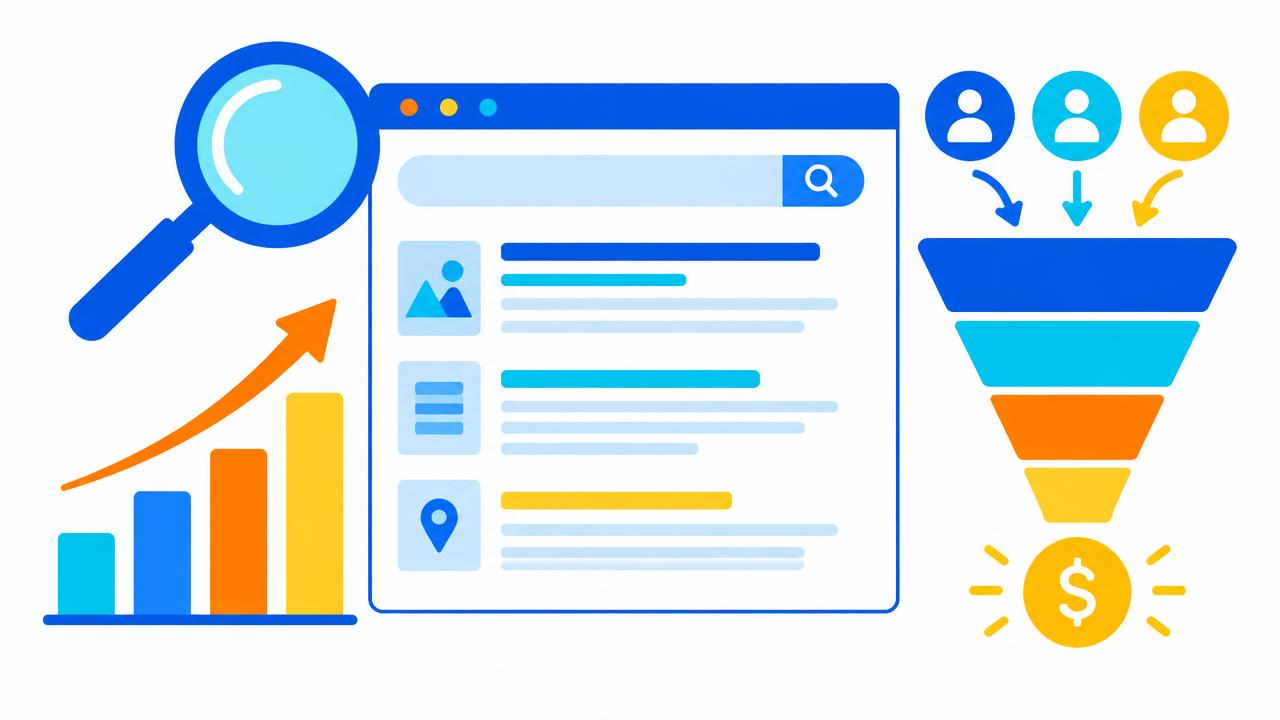
A website can look beautiful and still fail. When we audit sites for a redesign, the same problems appear again and again. Each one quietly reduces search visibility, enquiries or both.
1. A headline that does not say what you do
"Welcome to Our Website" or "Excellence in Everything" tells nobody anything. Your main heading should say what you offer and where: "Accounting and Tax Services for SMEs in Nairobi". This helps visitors and search engines alike.
2. All services on one page
If someone searches for "office partitioning Nairobi", a dedicated page about office partitioning will outrank a general "Services" list. Give each service its own page with a unique title, description and helpful content.
3. Slow, heavy home page sliders
Auto-rotating sliders load several large images, push content down and are rarely clicked. Replace them with one strong image and a clear call to action.
4. No clear call to action
Every page should end with a next step: call, WhatsApp, request a quote, buy or book. Make the button stand out and repeat it on long pages.
5. Text inside images
Search engines and screen readers cannot reliably read text baked into images, and it becomes unreadable on phones. Use real text and add descriptive alt attributes to images.
6. Missing titles and meta descriptions
Every page needs a unique title (about 50–60 characters) and description (about 150–160 characters). These become the headline and summary in search results. Google's SEO Starter Guide explains why.
7. No trust signals
Show real reviews, client logos, certifications, a physical address and a map. Use a professional email address instead of a free one, and an SSL certificate on every page — see SSL certificates.
8. Broken or untested forms
We regularly find contact forms that send to an old mailbox or land in spam. Test monthly, and set up SPF, DKIM and DMARC with our DMARC generator.
9. Ignoring local search
Create and verify a Google Business Profile, keep your name, address and phone number identical everywhere, and mention the towns you serve. A local domain such as .co.ke also signals relevance — read why .KE matters.
10. Launching and forgetting
Search engines reward sites that stay fresh and useful. Publish helpful articles, update prices and photos, and keep plugins patched with a maintenance plan.
A quick audit you can do today
- Search your business name and main service on Google from your phone.
- Run your homepage through PageSpeed Insights.
- Submit your own contact form and time the reply.
- Ask a friend to find your prices and phone number in under 10 seconds.
Want a professional review? Our team designs fast, search-friendly corporate websites, landing pages and online shops. Request a free website audit.
Share this article
Was this article helpful?
Your vote helps us write better guides.