
WhatsApp Account Hijacking: How Scammers Take Over Accounts and How to Stop Them
Most WhatsApp takeovers in Kenya start with a six-digit code or a call-forwarding trick. Learn how the scams work, turn on two-step verification in a minute and recover your account if it is taken.
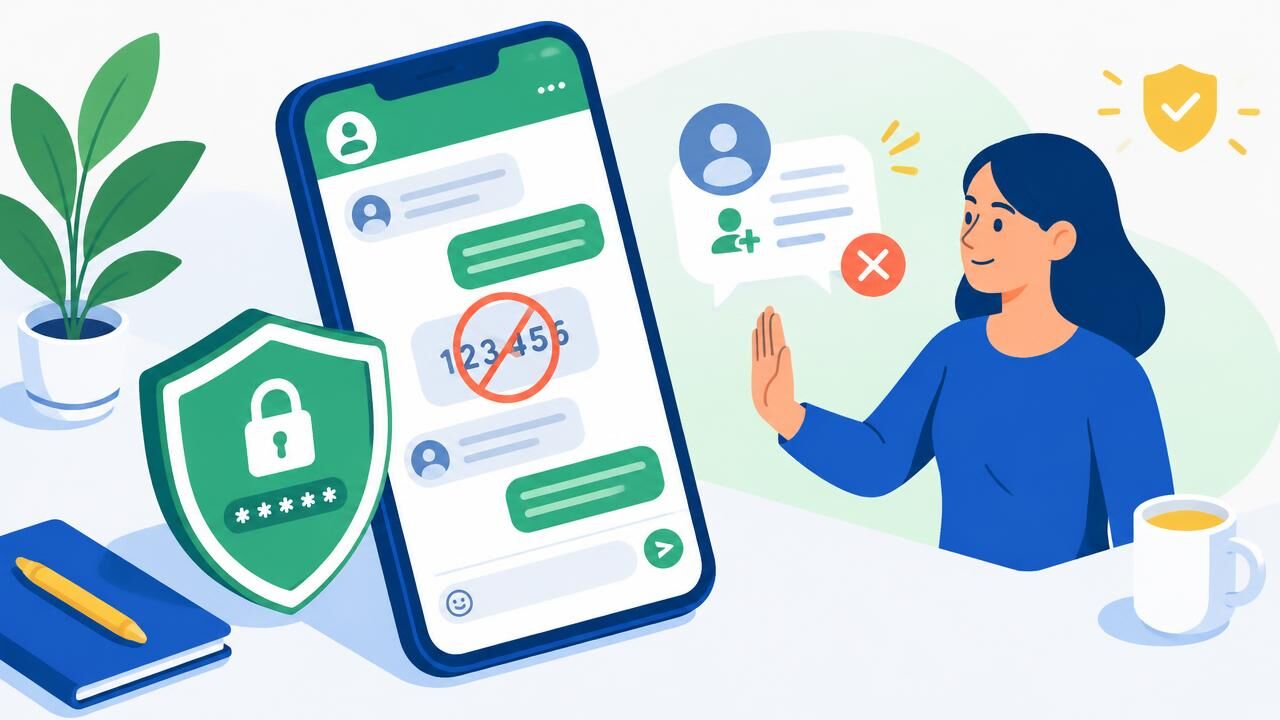
WhatsApp is where Kenyans talk to family, run business groups, take orders and share documents. When a criminal takes over an account, they message every contact asking for "urgent" M-PESA, airtime or another verification code — and the chain continues. Almost every WhatsApp account hijacking relies on tricking the owner, not on breaking WhatsApp itself.
How WhatsApp accounts get taken
1. "Please send me the code I sent you by mistake"
The criminal starts registering your number on their phone, which makes WhatsApp send you a six-digit verification code. Then a contact — often someone whose account was already hijacked — asks you to forward it. Sharing that code hands over your account.
2. The call-forwarding trick
A caller pretending to be from your mobile network or a delivery company asks you to dial a short code "to confirm" something. The code actually forwards your calls to their number. They then ask WhatsApp to verify your number by voice call, receive the call and take over the account. Codes starting with **21* or *21* set up call forwarding — never dial one because a stranger asked.
3. Voicemail access
If your voicemail uses a default PIN, a criminal can request a voice verification code while you are unavailable and listen to it in your voicemail.
4. Linked devices
Someone with brief access to your unlocked phone can scan a QR code and link WhatsApp Web on their computer, reading your chats silently.
5. Fake support and fake "WhatsApp Gold" offers
Messages offering upgrades, prizes or "account verification" lead to pages that collect codes and personal details.
Protect your account in two minutes
- Turn on two-step verification: Settings → Account → Two-step verification → Turn on. Choose a six-digit PIN and add an email address for recovery. Even with your SMS code, nobody can register your number without this PIN.
- Add a passkey or app lock where your phone supports it.
- Check Linked devices (Settings → Linked devices) and log out of anything you do not recognise.
- Never share verification codes — not with friends, "support" or anyone else.
- Change your voicemail PIN from the default, or switch voicemail off.
- If you ever dialled a code a stranger gave you, dial ##002# to cancel all call forwarding on your line.
If your account has been hijacked
- Open WhatsApp and register your number again. You will receive a new SMS code; entering it signs the criminal out.
- If you are asked for a two-step PIN you did not set, the criminal set it. You may have to wait before you can register without it — keep trying and do not pay anyone who offers to "unlock" it.
- Warn your contacts through SMS, a call or another app that any money requests are fraudulent.
- Contact WhatsApp through the official WhatsApp Help Center and report losses to the police or the DCI.
- Turn on two-step verification as soon as you are back in.
For businesses using WhatsApp
- Use the WhatsApp Business app or platform for customer chats, with two-step verification and a clear owner for the account.
- Publish your official number on your website so customers can confirm they are talking to you. A professional website and business email give customers a trusted place to check.
- Never request payments to personal numbers; use your till or paybill, and confirm payments in your M-PESA statement — see how to spot fake M-PESA confirmations.
- Send customer notifications through official channels. Our bulk SMS service uses a registered sender name that customers can recognise.
Account takeovers often spread from one platform to another. Secure your other accounts too, starting with your Facebook profile and business page.
Share this article
Was this article helpful?
Your vote helps us write better guides.