
Planning and launching a USSD service
Design a menu, pick a shared or dedicated code, connect your callback URL and test before going live.
Updated 30 August 20262 min read8 views0 found this helpful
USSD menus (like *384*123#) work on every phone, including basic feature phones, with no data bundle.
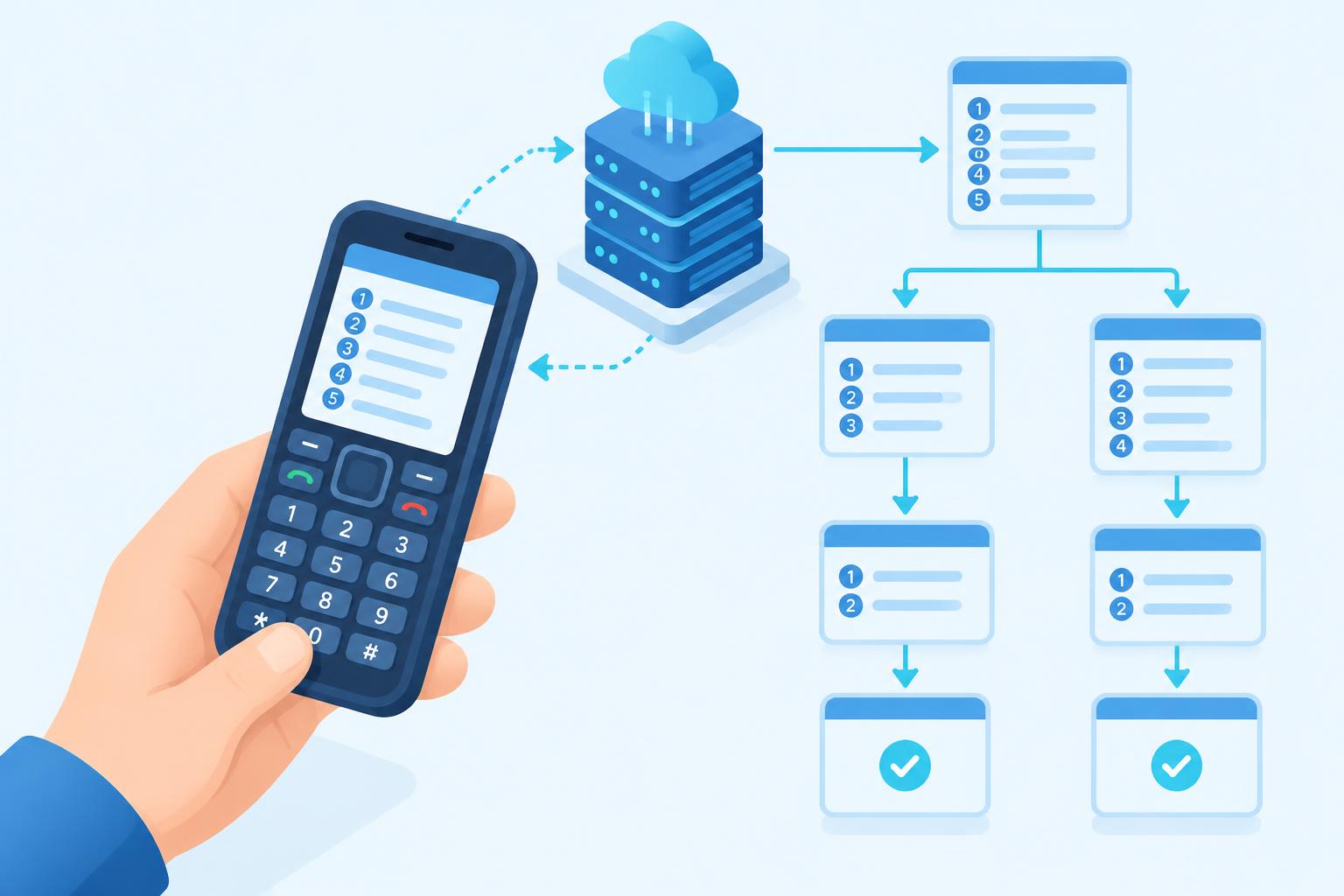
Plan the menu
- Keep each screen short — around 160 characters.
- Put the most common action first.
- Limit menus to three or four levels.
- Sessions time out after a short period, so avoid long forms.
Shared or dedicated code
| Option | Good for |
|---|---|
| Shared code (*XXX*YY#) | Faster, lower-cost launch |
| Dedicated code (*XXX#) | Strong brand recall and higher volume |
Connect your system
Each time a user picks an option, we send the session ID, phone number and their input to your callback URL. Your server replies with the next screen, starting with CON to continue or END to finish.
Ready to start? See USSD services.
#USSD#menus#feature phones
Was this article helpful?
Your vote helps us write better guides.