
Email Spoofing and Domain Impersonation Explained: How Criminals Pretend to Be You
From faked From addresses to lookalike domains, learn the five ways criminals impersonate a business by email, how SPF, DKIM and DMARC stop the most direct ones and what to do about the rest.
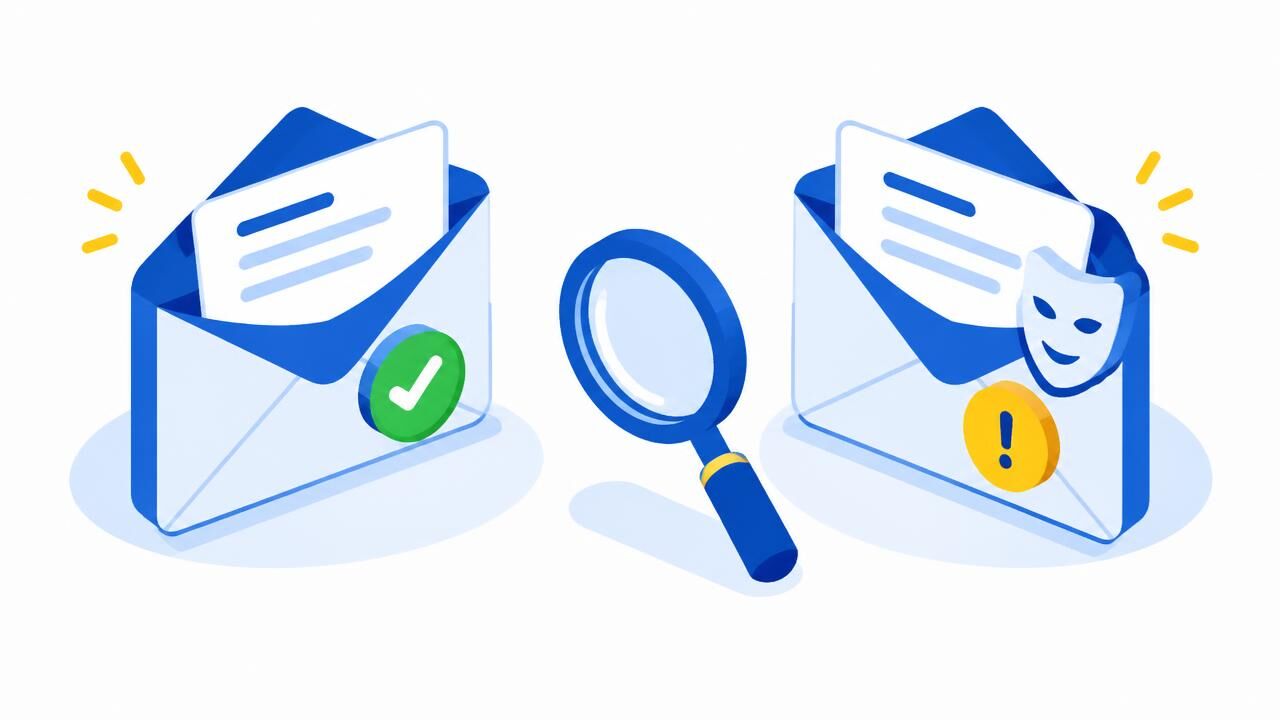
Email was designed in an era of trust. The "From" line is just text, and without extra checks anyone can type any address into it. Email spoofing and domain impersonation exploit that gap to make a message look as if it came from your bank, your supplier, your boss — or from you.
Five ways criminals impersonate a sender
| Technique | Example | Main defence |
|---|---|---|
| Exact-domain spoofing | From: [email protected], sent from a server that has nothing to do with you | SPF, DKIM and a DMARC policy of quarantine or reject |
| Display-name spoofing | "Jane Wanjiru (CEO)" <[email protected]> | Filtering, external-sender tags and staff awareness |
| Lookalike domains | yourcompany-ke.com, yourcornpany.co.ke ("rn" instead of "m") | Filtering, defensive registrations and monitoring |
| Lookalike characters | Letters from other alphabets that look identical on screen | Filtering and browser/email client warnings |
| Reply-To tricks | A genuine-looking From address, but replies go to the criminal | Check the address when you hit Reply |
How SPF, DKIM and DMARC stop exact spoofing
- SPF lists the servers allowed to send email for your domain. Check yours with our SPF checker.
- DKIM adds a cryptographic signature that receiving servers verify. Test it with the DKIM checker.
- DMARC ties them to the visible From address and tells receivers what to do when a message fails: monitor, quarantine or reject. Create a record with our DMARC generator.
With all three in place and DMARC at enforcement, receiving servers can reliably reject mail that pretends to come from your exact domain. That is exactly what happened in our sextortion phishing case study: the message claimed to be from the recipient's own address, failed SPF and DMARC, and was quarantined. Our DMARC rollout guide explains how to reach enforcement safely.
Do not jump straight to a strict SPF or DMARC policy. List every service that sends mail for you first — your mail server, website forms, invoicing and newsletter tools — or genuine email may be rejected.
What DMARC cannot stop
DMARC protects your exact domain. It does nothing against a criminal who registers a similar domain and sets up perfectly valid SPF and DKIM for it, or who uses your name with a free webmail address. For those you need layered defences:
- Register obvious variants of your main domain — for example both .co.ke and .ke, and common misspellings. Search them on our domain search.
- Use email filtering that scores lookalike domains and newly registered senders. Our incoming filtering does this automatically.
- Tag external mail so staff see a warning when a "colleague" writes from outside the organisation.
- Verify payment and bank changes by phone, always. See our business email compromise guide.
How to check a suspicious email yourself
- Look at the full sender address, not just the name.
- Check where Reply would send your answer.
- View the original message or headers and look for spf=, dkim= and dmarc= results. A "fail" for a domain that should be protected is a strong warning sign.
- Paste the headers into our email header analyser for a plain-language summary.
Bonus: show your logo with BIMI
Once DMARC is at enforcement, BIMI lets supporting mailbox providers display your verified logo next to your messages — a visible sign of authenticity for customers. Read more in our email authentication guide and on dmarc.org.
Share this article
Was this article helpful?
Your vote helps us write better guides.