
Integrating eTIMS With Your ERP, POS or Online Shop: A Technical Guide
Item classification, invoice flows, credit notes, offline handling, inventory sync and testing — what developers and finance teams need to plan for an eTIMS integration.
Connecting an existing business system to KRA eTIMS is more than "sending invoices to an API". A good integration touches products, customers, stock, returns and reporting. This guide outlines what finance teams and developers should plan for, based on integrations we have delivered for retailers, distributors, service providers and billing platforms.
1. Choose the right integration type
Most system-to-system integrations use KRA's OSCU (online) or VSCU (virtual, high-volume) solutions. Read the comparison in eTIMS integration options explained. Your choice affects architecture, connectivity requirements and how offline sales are handled.
2. Prepare master data
- Items: each product or service needs the correct classification code, unit of measure, packaging unit and tax type as defined in KRA's eTIMS code lists.
- Customers: capture KRA PINs for business buyers and validate the format.
- Branches: each selling location and device must be registered and mapped correctly.
- Tax rates: map your internal tax codes to eTIMS tax types, and plan for rate changes.
Clean master data is usually the biggest piece of work — and the biggest cause of rejected invoices.
3. Map the document flows
- Sales invoices — cash, credit, M-PESA and card sales.
- Credit notes — returns, discounts and corrections must reference the original invoice.
- Purchases and imports — receiving supplier invoices and stock items where applicable.
- Stock movements — adjustments, transfers between branches and write-offs.
4. Design for reliability
- Queue and retry: never lose an invoice because of a timeout — store it, retry and alert.
- Idempotency: avoid duplicate submissions if a request is retried.
- Offline strategy: define what the POS does when connectivity drops, within KRA's rules.
- Logging: keep request/response logs and KRA receipt numbers for audit.
- Monitoring: dashboards for pending, failed and successful submissions.
5. Print the right receipt
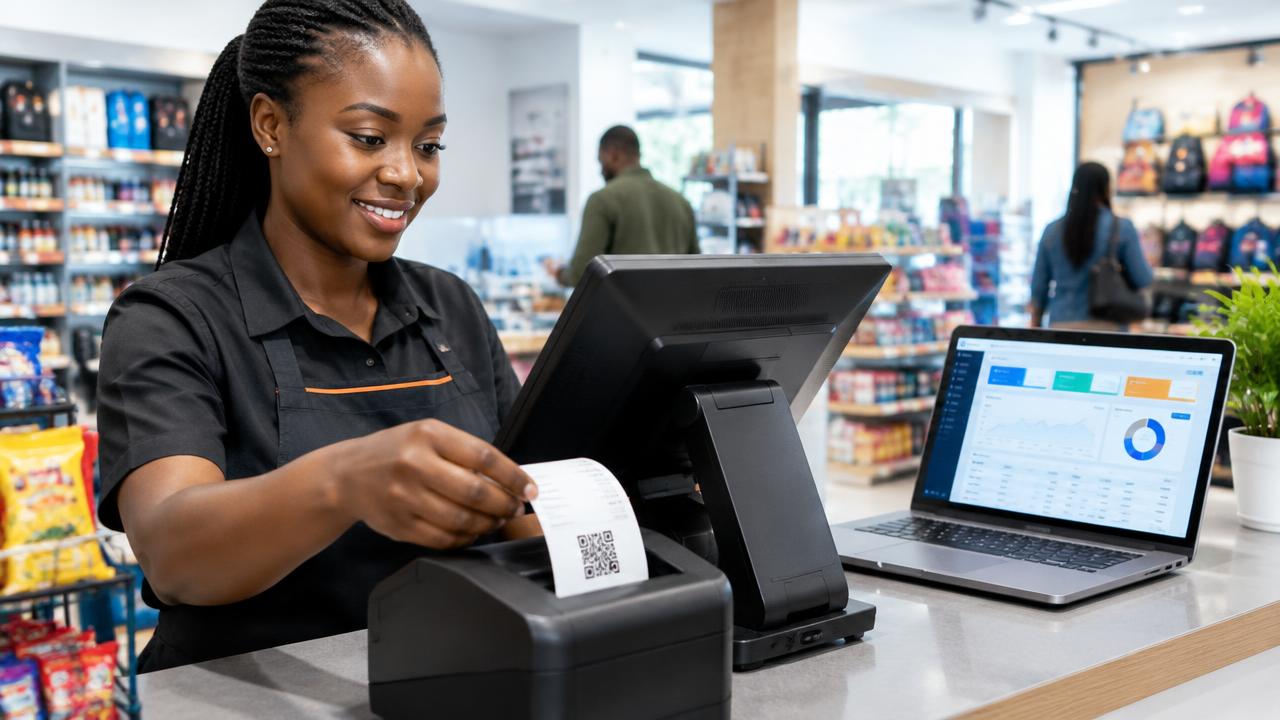
The customer receipt must include the eTIMS details returned by KRA, such as the control unit information, invoice number and QR code. Update receipt templates for thermal printers, A4 invoices and emailed PDFs.
6. Test thoroughly
KRA provides a sandbox for testing. Cover normal sales, credit notes, zero-rated and exempt items, multi-item invoices, foreign currency where relevant, and failure scenarios. Involve the finance team in user acceptance testing — they will spot tax issues developers miss.
7. Go live and support
- Switch to production credentials and verify the first invoices on KRA's portal.
- Train cashiers and accountants on credit notes and error handling.
- Monitor submissions daily for the first weeks.
- Plan for updates when KRA changes specifications.
Connect payments too
The best results come when eTIMS, payments and stock work together: a customer pays by M-PESA, the payment is matched, the eTIMS invoice is issued and stock reduces — all automatically. Bank payments can be matched through banking integrations.
How Enet helps
We integrate eTIMS with custom ERPs, POS systems, WooCommerce stores and WHMCS, or provide a ready eTIMS-ready POS. Systems are hosted securely on our VPS or your own infrastructure. Start with our KRA eTIMS integration page or book a technical consultation.
Share this article
Was this article helpful?
Your vote helps us write better guides.