
Fake M-PESA Payment Confirmations: How to Spot Them Before You Release Goods
A customer shows you an M-PESA message and walks off with the goods — but the money never arrived. Learn how fake confirmation SMS scams work and how shops, landlords and online sellers can verify every payment.
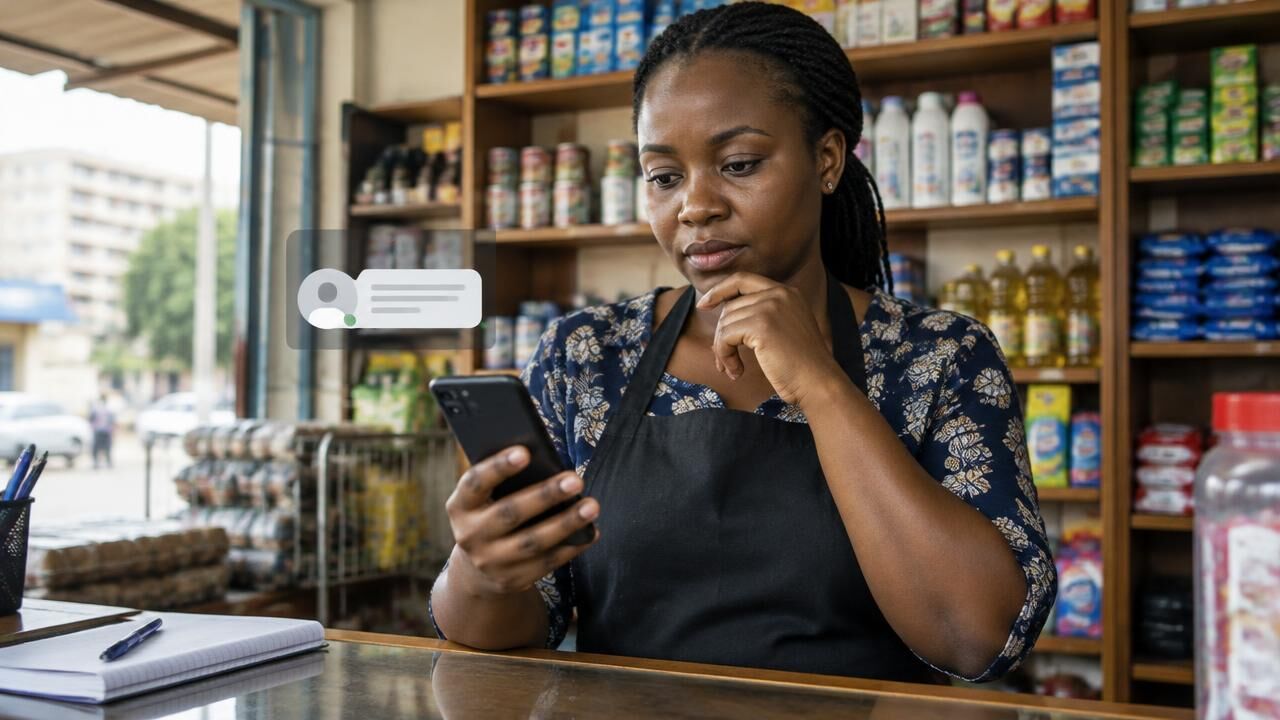
M-PESA moves most everyday payments in Kenya, which makes it a favourite target for fraudsters. One of the oldest tricks still works daily: a fake M-PESA confirmation message that looks like a real payment, sent to a shop, a landlord, a boda rider or an online seller who releases goods without checking.
How the scam works
- The set-up: the buyer asks for your number "to send the money" or pays at a busy moment.
- The fake: you receive an SMS from an ordinary phone number, or they show you a message or screenshot on their own phone, formatted exactly like an M-PESA confirmation.
- The pressure: "I'm in a hurry", "network is slow, it will reflect", or "I sent too much — please send back the balance".
- The loss: the goods (or "refund") are gone, and the money never arrived.
Red flags to check every time
- The sender is a phone number. Genuine confirmations come from the official MPESA sender name, not from a 07xx or 01xx number.
- The balance does not change. A real payment shows in your M-PESA balance and statement. A fake SMS changes nothing.
- "Wrong number, please refund." Someone claims to have sent money to you by mistake and asks you to send it back. Check your balance first — there is usually no money.
- Screenshots instead of messages. A screenshot on the buyer's phone proves nothing; it can be edited in seconds.
- Odd wording or format. Spelling mistakes, unusual spacing or a transaction code that does not match the format of your real messages.
How to verify a payment properly
- Check your M-PESA balance or mini-statement before releasing goods.
- Businesses using Lipa na M-PESA should confirm payments in the M-PESA for Business app or the till/paybill statement, not from customer messages.
- For online shops, let your system confirm the payment automatically. Our M-PESA integration connects your website or POS to Safaricom's Daraja API, so an order is only marked paid when Safaricom confirms it — never because a customer says so.
Related M-PESA scams
"I'm calling from Safaricom"
A caller claims your line will be blocked unless you "update" your details, then asks for your M-PESA PIN or a code sent to your phone. Safaricom staff will never ask for your PIN. Hang up and call customer care yourself using the number on the official Safaricom website.
Fake reversal requests
You receive a genuine-looking message that a reversal has been requested from your account. It is designed to make you panic and call the fraudster's number. Check your statement directly.
Phishing links
Messages promising Fuliza limit increases, prizes or Bonga points usually lead to fake pages that collect your PIN. Do not enter M-PESA details on any link received by SMS or WhatsApp.
Report it
Forward suspicious messages to 333, Safaricom's free fraud-reporting short code, and report losses to the nearest police station or the DCI. Our guide to cybercrime in Kenya explains how to preserve evidence.
Make verification automatic
Manual checks fail when the shop is busy. If you sell online or at volume, automate confirmation with M-PESA payment integration for your website, POS or WHMCS billing. Read more in our guide to M-PESA STK Push.
Share this article
Was this article helpful?
Your vote helps us write better guides.