
M-PESA Daraja API Integration Checklist for Developers
Credentials, OAuth tokens, STK Push, C2B URLs, B2C payouts, callbacks, idempotency and go-live — a production-ready checklist for Daraja integrations.
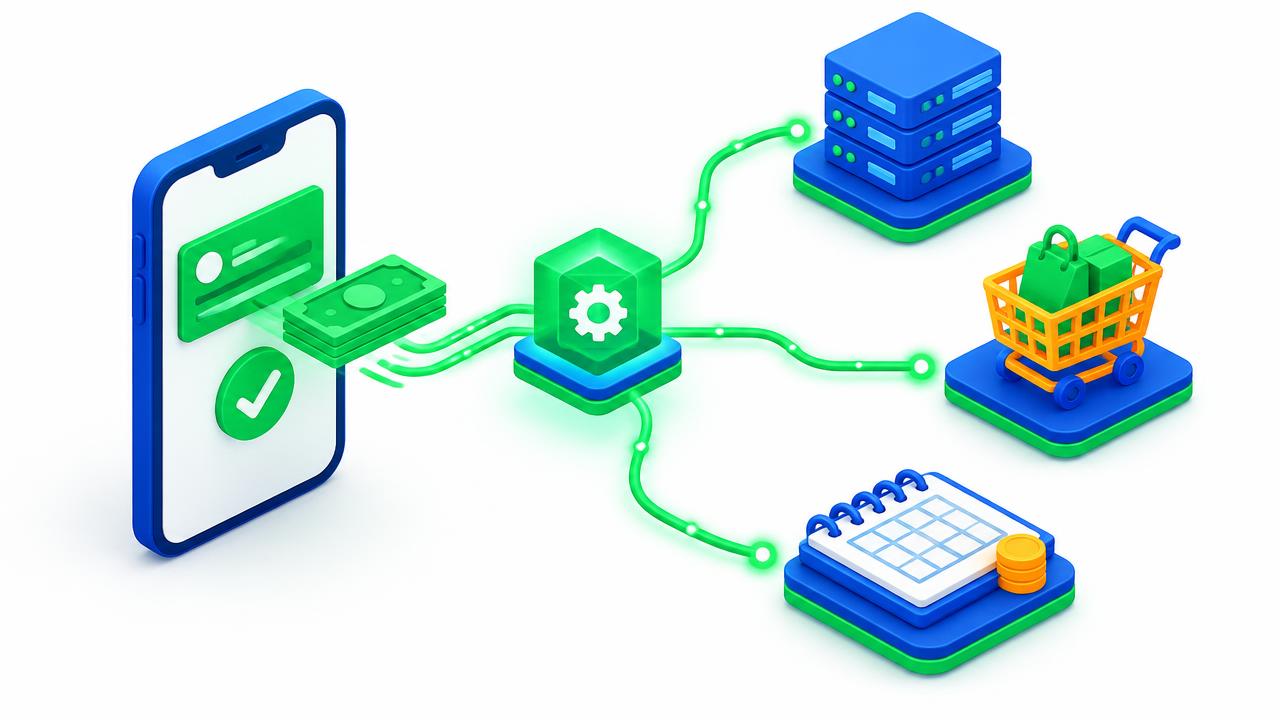
Getting a Daraja sandbox call working takes an afternoon. Building an integration that never loses a payment, never double-credits a customer and survives Safaricom maintenance windows takes discipline. This checklist captures what we verify before any M-PESA integration goes live.
1. Choose the right APIs
- M-PESA Express (STK Push) — prompt the customer to pay from your checkout. See STK Push explained.
- STK Push Query — check the status of a request when no callback arrives.
- C2B — receive payments customers make directly to your Paybill or Till, via registered validation and confirmation URLs.
- B2C — send money to customers: refunds, loan disbursements, salaries and rewards.
- Transaction Status and Account Balance — reconciliation and monitoring.
- Reversal — for approved reversal workflows.
Full specifications are on Safaricom's Daraja portal.
2. Credentials and secrets
- ☐ Consumer key, secret, passkey and initiator credentials stored in server-side environment variables — never in front-end code or Git.
- ☐ Separate sandbox and production configuration.
- ☐ OAuth access tokens cached and refreshed before expiry, not requested on every call.
- ☐ Security credentials for B2C encrypted using the correct Safaricom certificate.
3. Callbacks done right
- ☐ Callback URLs use HTTPS with a valid certificate — see SSL certificates.
- ☐ Endpoints are publicly reachable and respond quickly (do heavy work asynchronously).
- ☐ Callback payloads are logged in full before processing.
- ☐ Validate that the
CheckoutRequestIDmatches a request you created and the amount matches the order. - ☐ Treat
MpesaReceiptNumberas a unique key so duplicate callbacks never credit twice (idempotency). - ☐ Consider allow-listing Safaricom's published callback IP ranges at your firewall.
4. Handle the unhappy paths
- ☐ Customer cancels, enters a wrong PIN, has insufficient funds or the prompt times out — show a clear message and a "retry" button.
- ☐ No callback received — query the transaction status after a timeout before marking it failed.
- ☐ Customer pays manually to the Paybill instead — C2B confirmation matches it by account reference.
- ☐ Phone numbers normalised to the 2547XXXXXXXX / 2541XXXXXXXX format.
5. Security and fraud
- ☐ Never accept the amount or "payment success" from the browser — only from the verified callback or status query.
- ☐ Rate-limit STK requests per phone number and IP to prevent abuse.
- ☐ Restrict B2C to approved roles with two-person approval for large payouts.
- ☐ Protect admin panels with 2FA — see our 2FA guide.
6. Reconciliation and reporting
Store every request, callback and status result. Reconcile daily against M-PESA statements and flag unmatched payments. Our guide to automated reconciliation covers this in depth. If you must issue tax invoices, connect to KRA eTIMS after payment confirmation.
7. Hosting and operations
- ☐ Host on reliable infrastructure — a VPS or Node.js/Python hosting for custom apps.
- ☐ Monitor callback endpoints and alert on failures.
- ☐ Back up the payments database and keep audit logs.
8. Go-live
- Complete sandbox testing including all failure scenarios.
- Apply for production access on Daraja with your shortcode and business administrator.
- Switch credentials and run small real transactions.
- Monitor closely for the first week.
Prefer a ready solution?
Our tested plugins and modules for WooCommerce, WHMCS, PrestaShop and OpenCart already implement this checklist. For custom systems, see M-PESA integration services or our earlier WooCommerce field guide.
Share this article
Was this article helpful?
Your vote helps us write better guides.