
Preparing for a KRA eTIMS integration
The information to gather before connecting your billing or POS system to eTIMS, and what to test.
Updated 26 September 20262 min read2 views0 found this helpful
Applies to
eTIMS integration sends your invoices to KRA automatically from your billing, ERP or POS system.
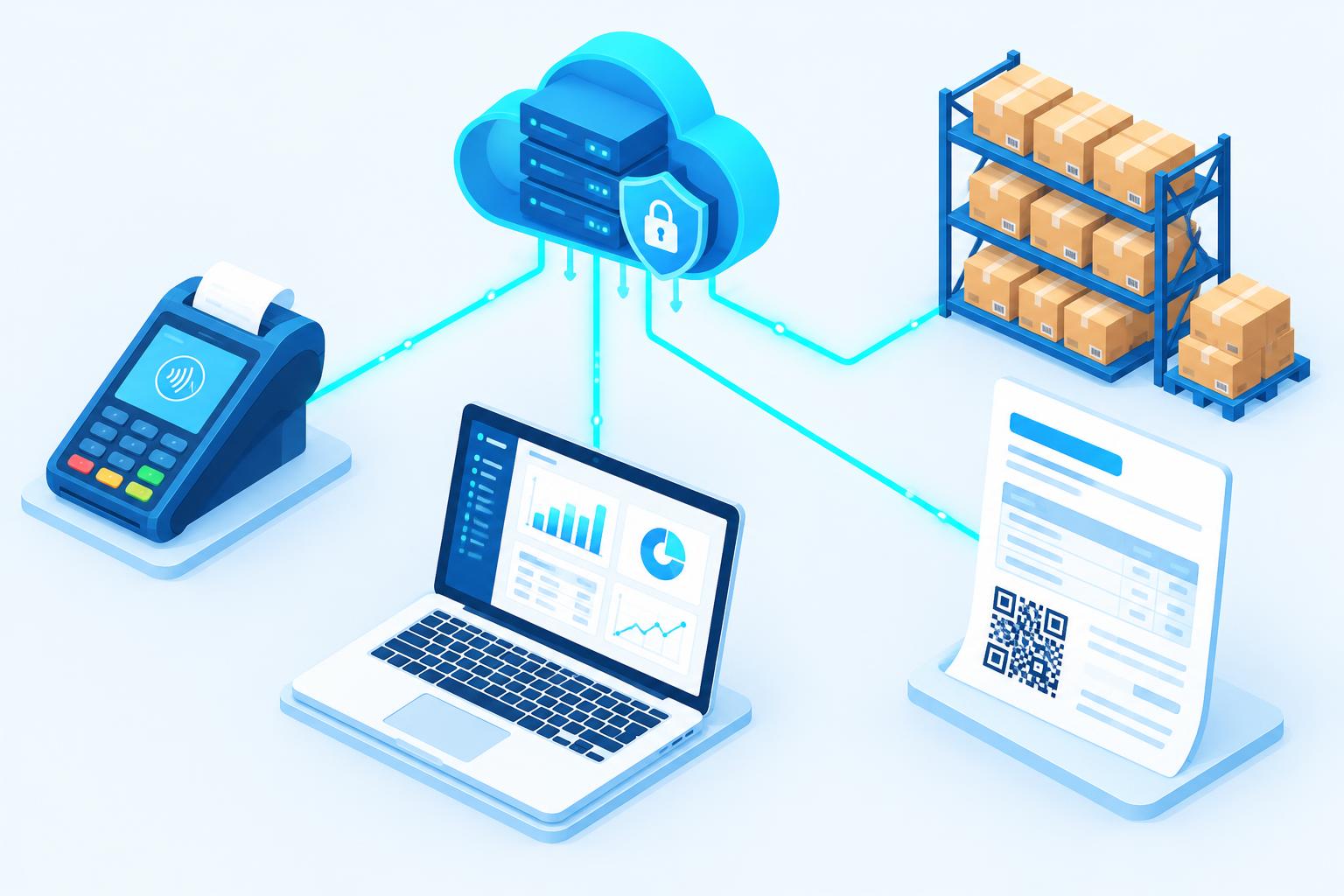
Gather first
- Your KRA PIN and the branch details registered for eTIMS.
- Your chosen integration type (KRA describes options such as OSCU and VSCU) — your tax adviser can confirm the right one.
- Your product list with item classification and tax codes.
- Who will manage the integration on your side.
Test before going live
- Create a normal invoice and confirm it is accepted.
- Test credit notes and cancellations.
- Check the invoice shows the eTIMS details required on the printed copy.
- Test what happens if the internet goes down, and that invoices resend later.
Learn more about eTIMS integration or the WHMCS eTIMS module.
#eTIMS#KRA#tax#invoices
Was this article helpful?
Your vote helps us write better guides.