
Using webmail to read email in a browser
Sign in to webmail from anywhere, find your way around Roundcube and set your signature.
Updated 17 July 20262 min read2 views0 found this helpful
Applies to
Webmail lets you read and send email from any browser without setting up an app.
Sign in
- Go to
https://yourdomain.com/webmail(or port 2096). - Enter your full email address and password.
- Choose Roundcube if you are asked to pick an application.
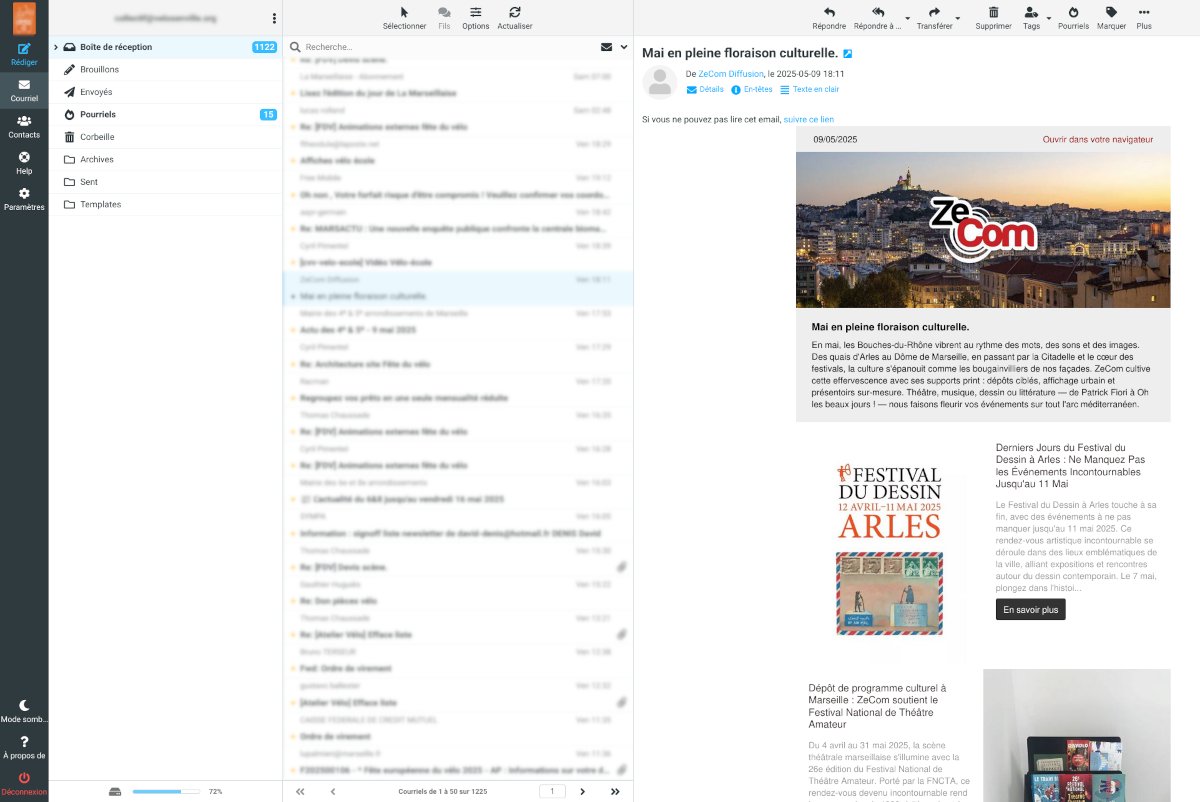
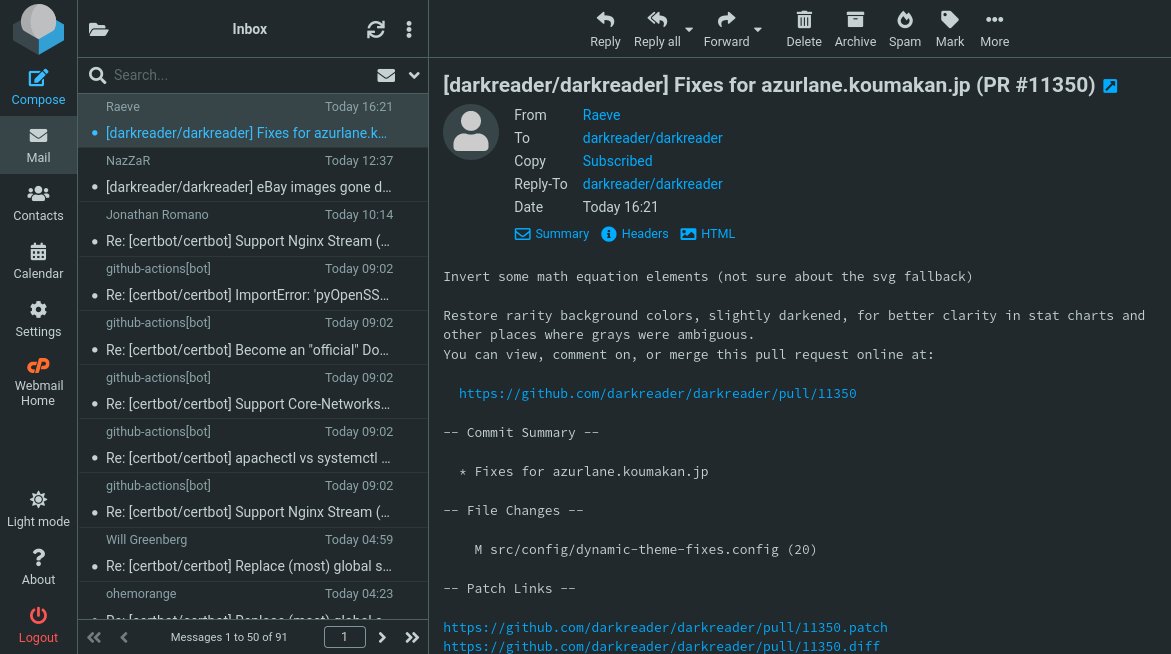
Everyday tasks
- Signature: Settings → Identities → choose your address → Signature.
- Folders: Settings → Folders → Create.
- Filters: Settings → Filters to sort messages automatically.
- Contacts: Contacts → Create, or import a CSV or vCard file.
#webmail#Roundcube#email
Was this article helpful?
Your vote helps us write better guides.