
M-PESA integration: from sandbox to go-live
What you need from Safaricom, how callbacks work, and the checks to run before taking real payments.
Updated 3 October 20262 min read15 views0 found this helpful
Applies to
Accepting M-PESA on your website or system involves a sandbox test phase and a go-live approval from Safaricom.
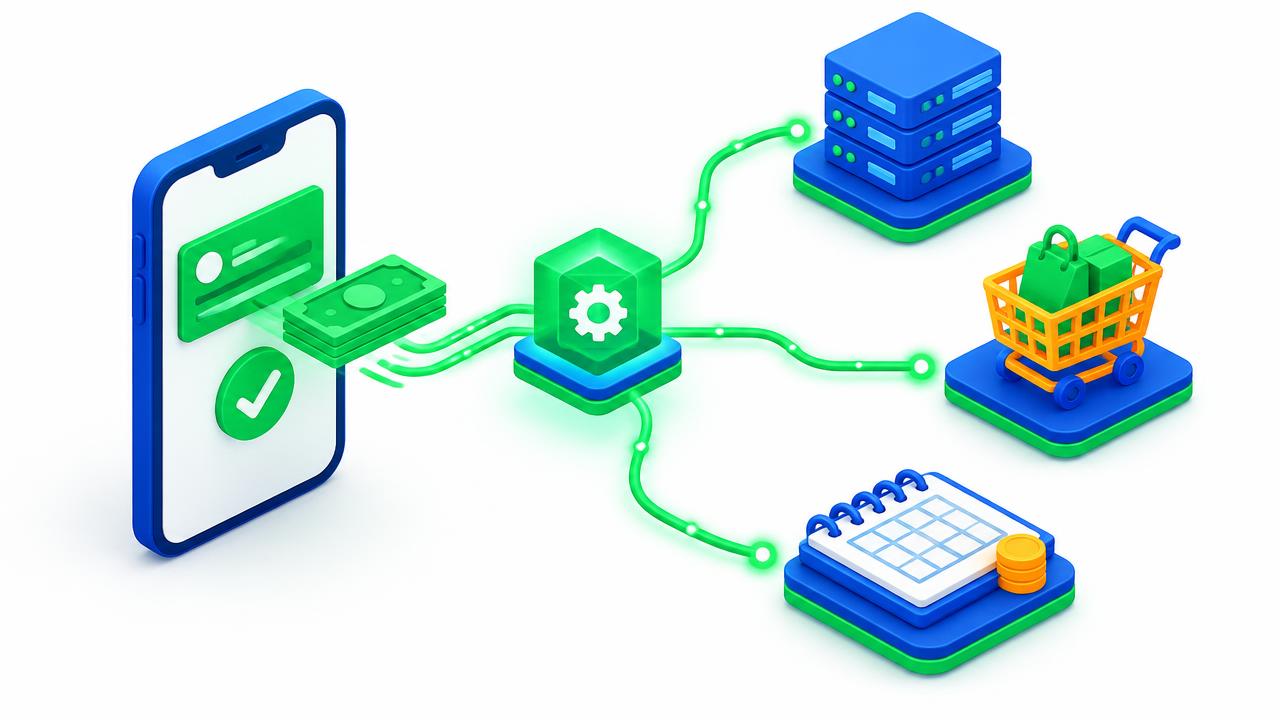
What you need
- An active paybill or till number registered to your business.
- A Safaricom Daraja developer account.
- A public HTTPS callback URL on your server.
- The business administrator who can approve the go-live request.
Steps
- Build in the sandbox with test credentials.
- Test every outcome — success, wrong PIN, cancelled, insufficient funds and timeout.
- Request go-live on the Daraja portal and complete the approval with the business admin.
- Swap credentials to production and run a small real payment.
- Reconcile — confirm the payment appears in your system and your M-PESA statement.
Enet builds and supports M-PESA for websites, WHMCS and WooCommerce and others.
#M-PESA#Daraja#STK Push#go-live
Was this article helpful?
Your vote helps us write better guides.