
Using webmail to read email in a browser

Sign in to webmail from anywhere, find your way around Roundcube and set your signature.

Updated 17 July 20262 min read2 views0 found this helpful
Applies toWebmail Β· Roundcube logo

Webmail lets you read and send email from any browser without setting up an app.

Sign in

  1. Go to https://yourdomain.com/webmail (or port 2096).
  2. Enter your full email address and password.
  3. Choose Roundcube if you are asked to pick an application.
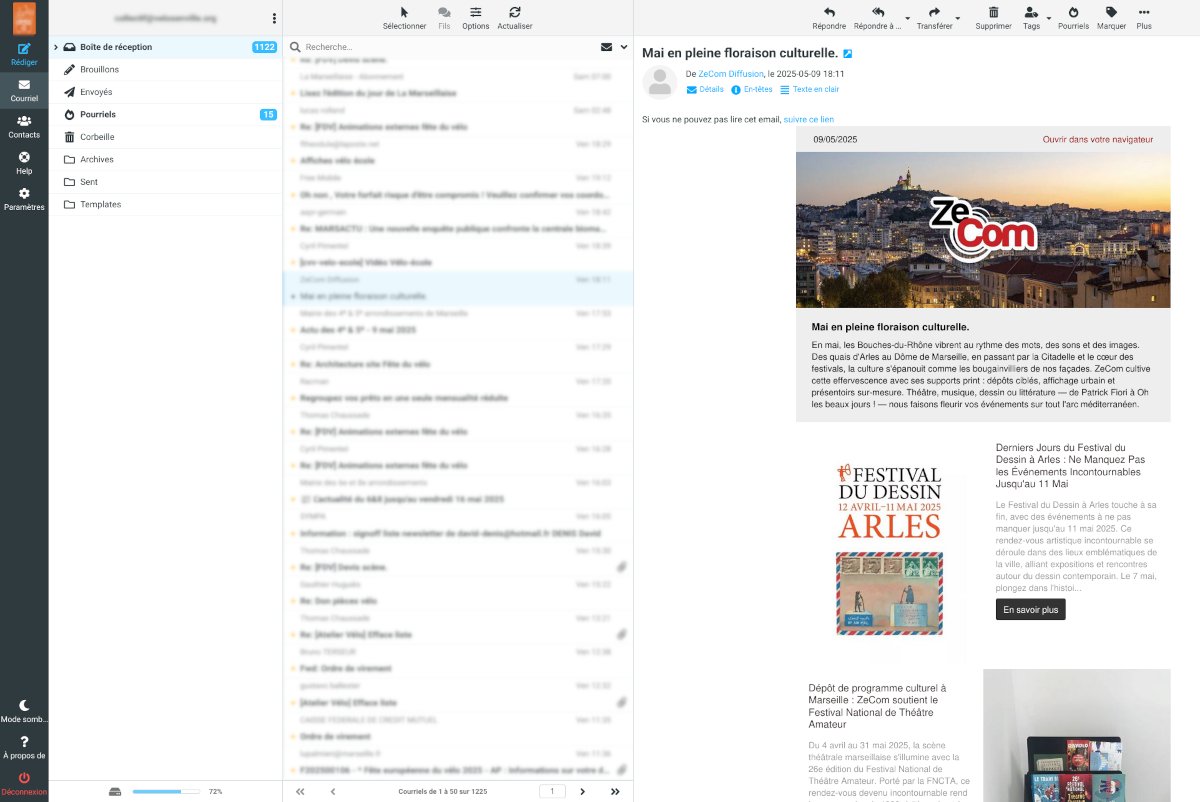
The Roundcube inbox with folders on the left and messages on the right

Everyday tasks

  • Signature: Settings β†’ Identities β†’ choose your address β†’ Signature.
  • Folders: Settings β†’ Folders β†’ Create.
  • Filters: Settings β†’ Filters to sort messages automatically.
  • Contacts: Contacts β†’ Create, or import a CSV or vCard file.
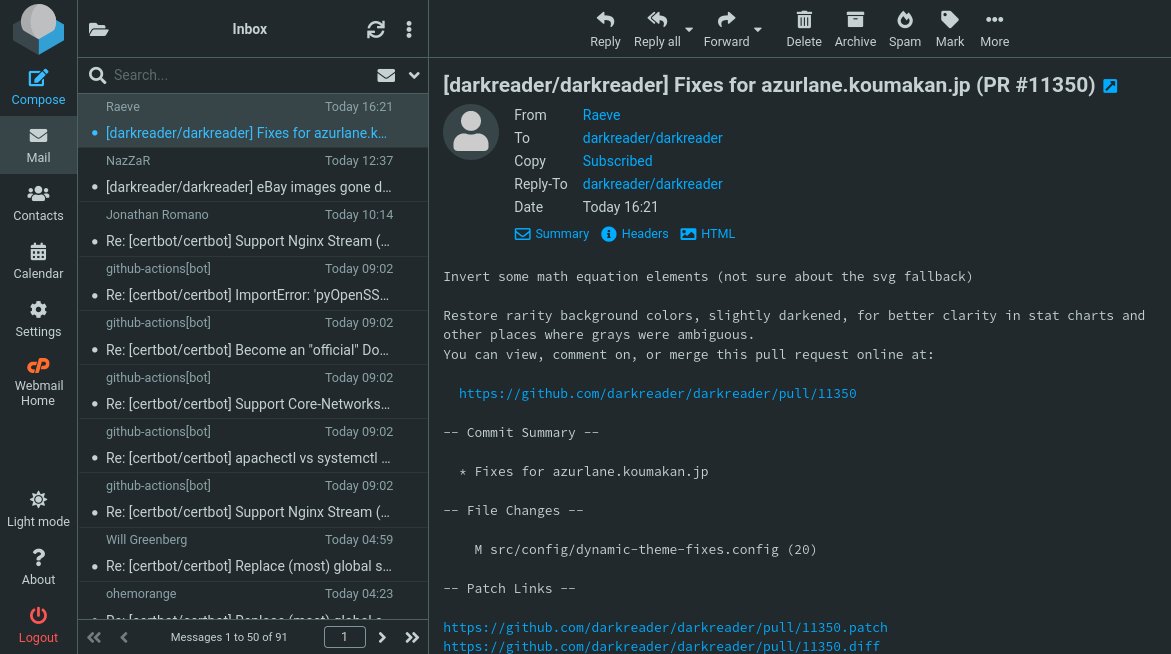
Reading and replying to a message in Roundcube
#webmail#Roundcube#email

Was this article helpful?

Your vote helps us write better guides.

Keep reading

Related articles

Still stuck?

Talk to our support team

Open a ticket

Best for anything technical. Every reply is tracked.

Submit a ticket

Call our Nairobi team

+254 726 872 512 Β· +254 722 917 455

Call now

Message us

Send a question and we'll reply by email or phone.

Contact support
Launch today

Powering Your Online Success!

Domain, hosting, email and SSL from one local team β€” set up in minutes and backed by people you can call.

  • Free SSL
  • Free migration
  • 99.9% uptime
  • 24/7 expert support

Start with your domain

Check availability, then add hosting in the same order.

Prefer to talk? Call +254 726 872 512